


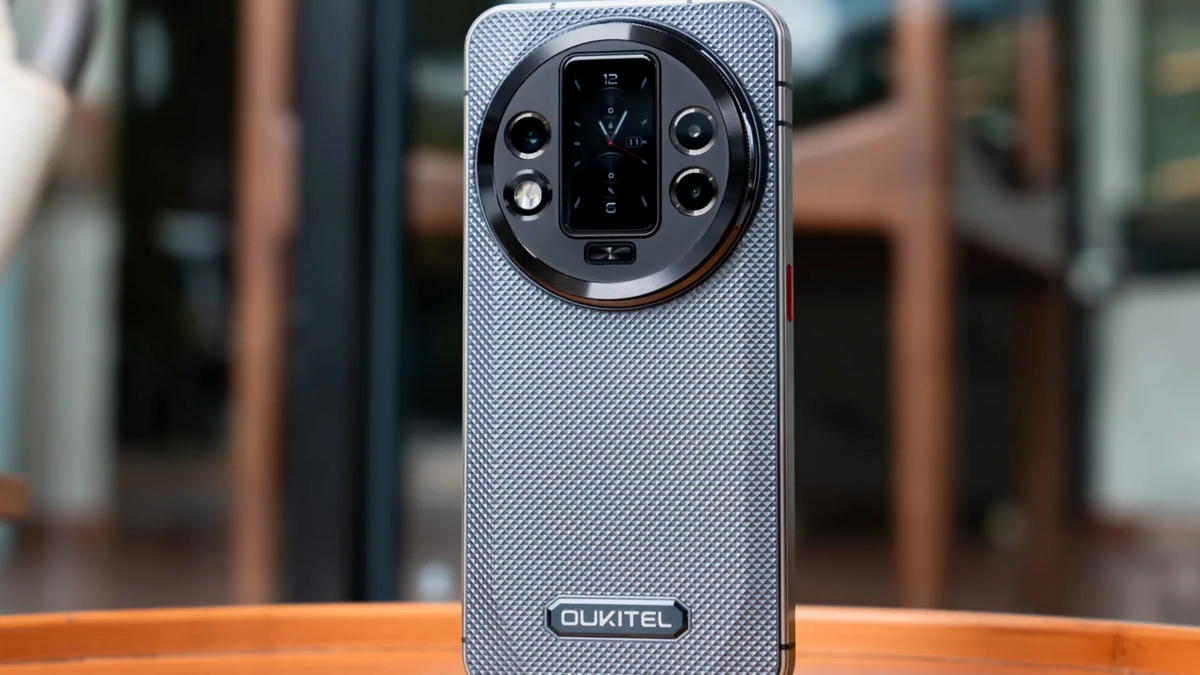
In 2026, our smartphones aren't just communication tools; they are the keys to our financial identities, professional lives, and personal memories. However, as mobile technology advances, so do the threats. From AI-driven phishing to "zero-click" malware that requires no user interaction, the digital landscape has become more hostile.
Whether you are using a sleek OUKITEL smartphone or a heavy-duty rugged device, knowing how to protect my phone from malware is no longer optional. This 2026 guide covers the latest security innovations in Android 16 and the unique hardware advantages of OUKITEL devices that keep your data under lock and key.
The 2026 Threat Landscape: Why Malware Has Changed

The days of obvious "You won a prize!" pop-ups are over. In 2026, mobile malware is sophisticated:
- AI-Enhanced Phishing: Hackers use AI to clone voices or create perfect. typo-free messages that look exactly like they are from your bank or boss.
- Juice Jacking 2.0: Malicious charging stations in airports can now inject malware through high-speed USB-C ports in seconds.
- Overlay Attacks: Malware creates an invisible "layer" over your banking app to steal your login credentials as you type them.
How Android Protects Your Phone and Data in 2026
Android 16 forms the first and most critical layer of mobile security in 2026. Its focus is software-level defense—preventing malware, phishing, and unauthorized access before they can compromise your data.
Android’s Core Data Protection Mechanisms
1. App Isolation (Sandboxing)
Each app on Android runs in its own restricted environment, known as a “sandbox.” This means that even if one app becomes infected with malware, it cannot freely access your photos, messages, or data from other apps. Sandboxing prevents malicious apps from spreading or stealing sensitive information..
2. Google Play Protect (Always-On Scanning)
Android continuously scans all installed apps and updates using a combination of cloud-based and on-device AI. This system detects malicious behavior and can block harmful apps even after they are installed, ensuring ongoing protection against emerging threats.,
3. File-Based Encryption (FBE)
All user data is encrypted automatically. Without your lock-screen password or biometric authentication, the data is mathematically unreadable.
4. Android 16 Advanced Protection Mode
This adds an enterprise-grade security profile:
- Blocks app sideloading
- Enforces HTTPS-only browsing
- Locks USB data access while the phone is locked
- Disables insecure 2G networks
Android 16: The "Advanced Protection" Revolution
If you are wondering how to protect my android phone from malware, the answer lies in the 2026 rollout of Android 16. This OS version introduces Advanced Protection Mode, a one-tap security shield that was previously reserved for high-risk individuals but is now available for everyone.
Key Android 16 Security Features:
- Advanced Protection Mode: When toggled on, this mode blocks all app "sideloading" (installs from outside the Play Store), enforces HTTPS-only browsing in Chrome, and disables USB data transfers while the phone is locked.
- Identity Check: This feature adds a mandatory biometric layer. Even if a thief knows your PIN, the phone will require a fingerprint or face scan to change sensitive settings or access saved passwords.
- Scam Detection in Calls: On-device AI analyzes the conversation patterns of incoming calls. If the caller uses "scammer language" (e.g asking for gift cards or remote access), the phone alerts you in real-time.
- Smart OTP Redaction: Android 16 automatically hides One-Time Passwords (OTPs) from your lock screen and notifications, preventing "shoulder surfers" from seeing your login codes.
How to Protect My Phone from Malware: 5 Essential Habits

Security is 10% software and 90% habits. Follow these steps to stay ahead of hackers:
Step 1: Trust Only Official Stores
Always download apps from the Google Play Store. Google Play Protect now performs real-time, AI-driven scans of every app on your device, checking for malicious behavior even after the app is installed.
Step 2: Audit Your Permissions
In 2026, apps often "overreach." Does that simple calculator app really need access to your microphone and location?
- Go to Settings > Security & Privacy > Permission Manager.
- Revoke access for any app that doesn't strictly need it.
Step 3: Enable "Enhanced Safe Browsing"
In Chrome or your default browser. move from standard protection to Enhanced Protection. This sends URLs to Google in real-time to check against the newest known phishing sites before you even click.
Step 4: Use a VPN on Public Networks
Public Wi-Fi is a playground for data interceptors. If you must use coffee shop or airport Wi-Fi, always use a Virtual Private Network (VPN) to encrypt your data stream.
Step 5: Regular "Inactivity Reboots"
A new 2026 standard is the Inactivity Reboot. If your phone stays locked for 72 hours, it will automatically restart. This puts the phone in a "Before First Unlock" (BFU) state. making the data virtually unreadable to forensic tools or thieves.
Hardware Security: The OUKITEL Advantage

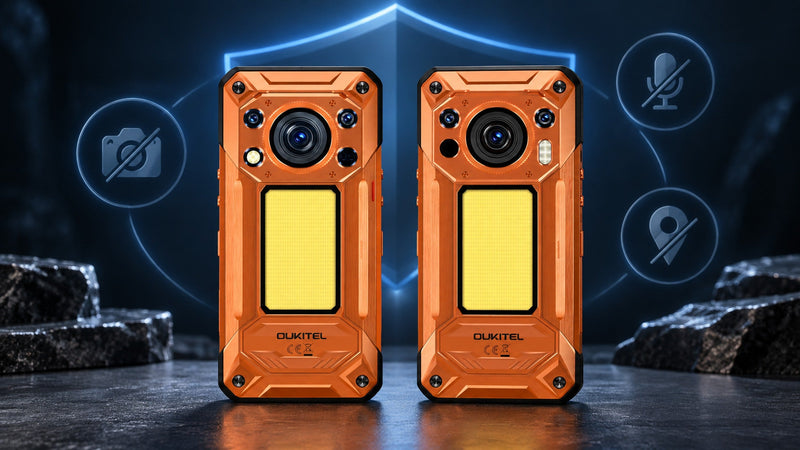
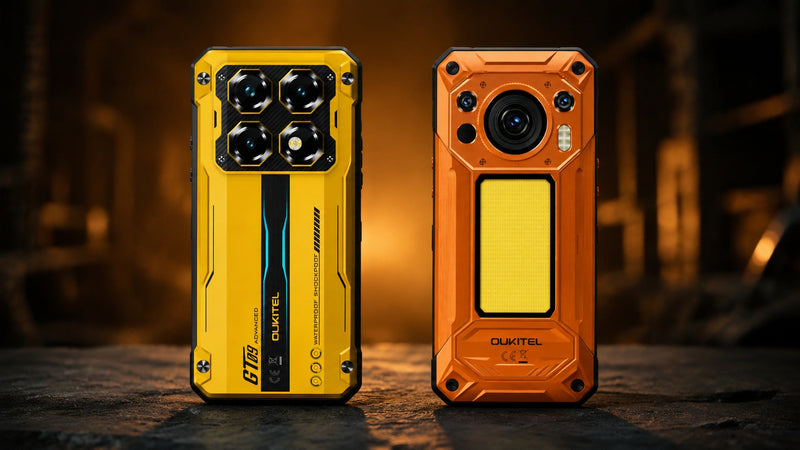
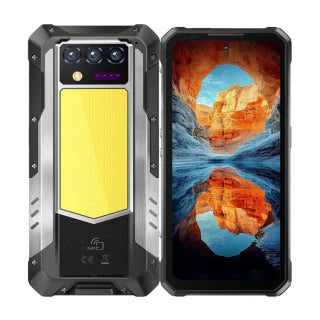
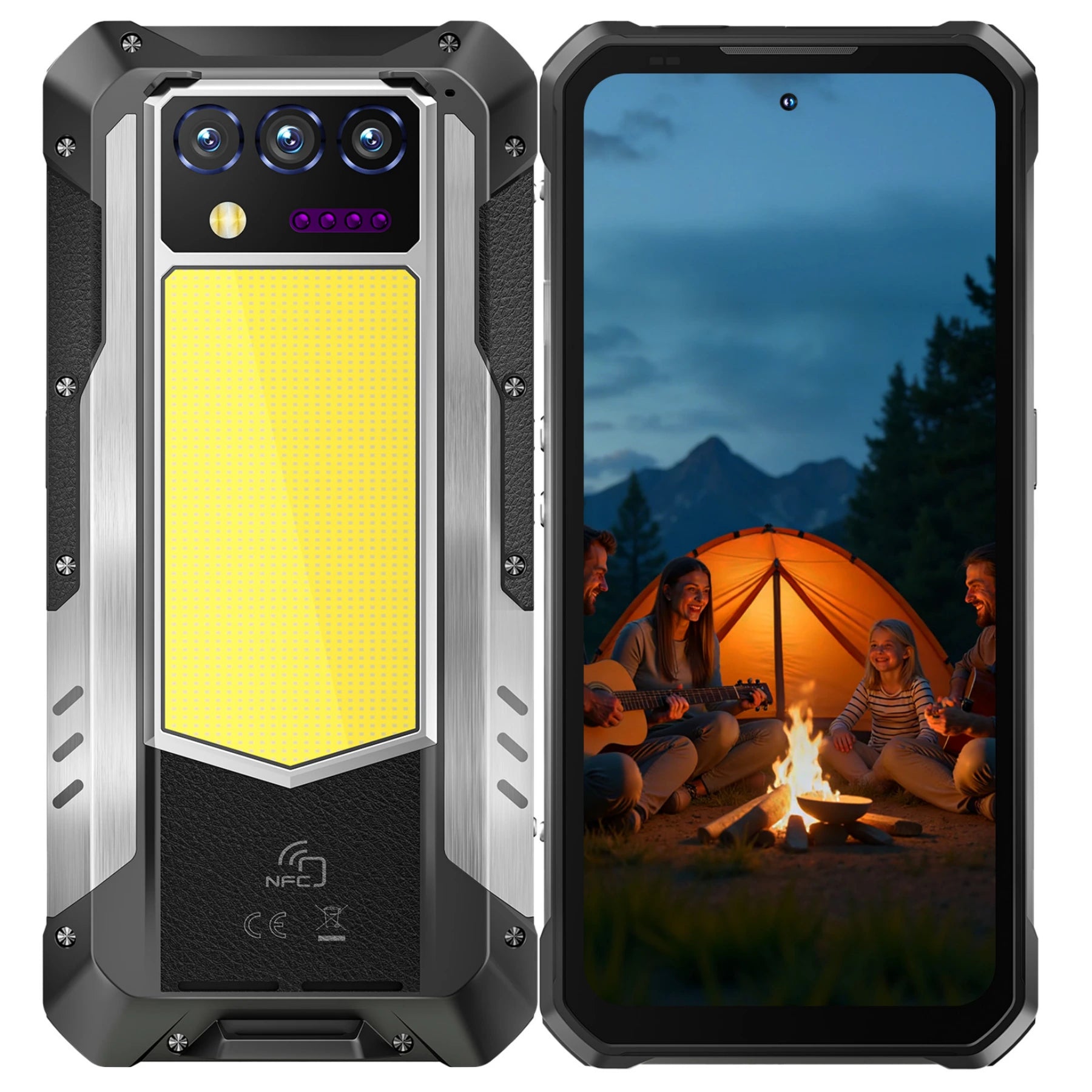
While software provides the walls, hardware provides the foundation, OUKITEL rugged phones offer unique security benefits that standard "thin" phones lack.
Physical Tamper Resistance
OUKITEL devices like the WP60 are built with reinforced. non-removable shells. This prevents "hardware-level" hacking where a thief might try to physically access the motherboard or chipsets to bypass encryption.
Massive Battery for Constant Monitoring
Security apps and real-time AI scanners (like Android 16's Scam Detection) consume extra power. The 10,000mAh battery in the OUKITEL WP60 ensures that your security shields stay active for days, even when you are off the grid.
Secure Biometrics
OUKITEL's 2026 lineup uses Side-Mounted Fingerprint Sensors and AI Face Unlock. These are isolated in a "Secure Element" of the processor, meaning your biometric data never leaves the device or reaches the cloud.
How Rugged Phones Protect Your Data Differently
Rugged phones don’t replace Android security — they reinforce it at the physical and hardware level, closing the gaps that software alone cannot.
Rugged Device Security Goes Beyond Software
1. Physical Tamper Resistance
Rugged phones like the OUKITEL WP60 use reinforced frames, sealed shells, and non-removable components. This makes:
- Chip-level access extremely difficult
- Data extraction via physical tools far less feasible
2. Protection Against Environmental Attacks
,Standard smartphones can be vulnerable to environmental hazards such as water, dust, heat, and physical impacts, which can damage storage chips, sensors, or other internal components. This not only increases the risk of hardware failure but can also lead to data corruption or unintentional leaks. OUKITEL rugged phones are specifically designed to withstand these challenges, featuring IP68/IP69K water- and dust-resistance, reinforced casings, and military-grade drop protection, ensuring that your data remains secure even in harsh environments.
OUKITEL rugged phones are:
- IP68/IP69K water- and dust-proof
- Drop-tested to military standards
A phone that survives the environment keeps encryption intact.
3. Battery Stability = Security Stability
Security features like scam detection. real-time scanning, VPNs, and encryption are power-hungry.
With 10,000mAh batteries. rugged phones:
- Keep protection running longer
- Avoid forced shutdowns that could expose data
- Maintain encryption integrity in extreme conditions
4. Secure Biometric Reliability
Rugged devices use reinforced fingerprint sensors and hardened facial recognition modules that remain accurate even with:
- Wet fingers
- Gloves
- Outdoor lighting
Android Phones vs Rugged Phones: Security Comparison (2026)
|
Security Aspect |
Standard Android Phone |
Rugged Android Phone (OUKITEL) |
|
Malware Protection |
Google Play Protect. Sandboxing |
Same Android protection |
|
Data Encryption |
File-Based Encryption |
Same + stronger hardware integrity |
|
Physical Tamper Resistance |
Low |
High (reinforced chassis) |
|
USB Attack Protection |
Software-based |
Software + physical port durability |
|
Battery Support for Security |
4,000–5,000mAh |
Up to 10,000mAh |
|
Environmental Risk |
High (water. heat. dust) |
Minimal (IP68/IP69K) |
|
Theft & Field Loss Protection |
Software only |
Software + physical survivability |
|
Long-Term Security Reliability |
Medium |
High |
In 2026, security is about resilience. The OUKITEL WP60 combines the latest Android 15/16 security with a body that can survive drops, water, and hackers.
Frequently Asked Questions
Does my phone need antivirus software in 2026?
If you are on Android 16 and use Google Play Protect. additional antivirus is often redundant for average users. However,for those who handle sensitive corporate data, a reputable app like Norton or Bitdefender adds an extra layer of file-level scanning that is highly recommended.
What should I do if my phone is stolen?
Use the Find My Device tool immediately from another computer. You can remotely lock the phone, display a message, or perform a Factory Reset (Remote Wipe) to ensure your personal data doesn't fall into the wrong hands.
Can malware infect my phone through a charging cable?
Yes, this is known as "Juice Jacking." In 2026, you should enable "USB Restricted Mode" in your Android settings. This allows the cable to provide power but blocks any data from being transferred unless you manually approve it.
Why does my OUKITEL phone get regular "Security Patches"?
OUKITEL partners with Google to provide Monthly Security Updates. These are not feature updates; they are critical fixes for "Zero-Day" vulnerabilities that hackers use to bypass security. Always install them immediately.



Leave a comment
Your email address will not be published. Required fields are marked *