


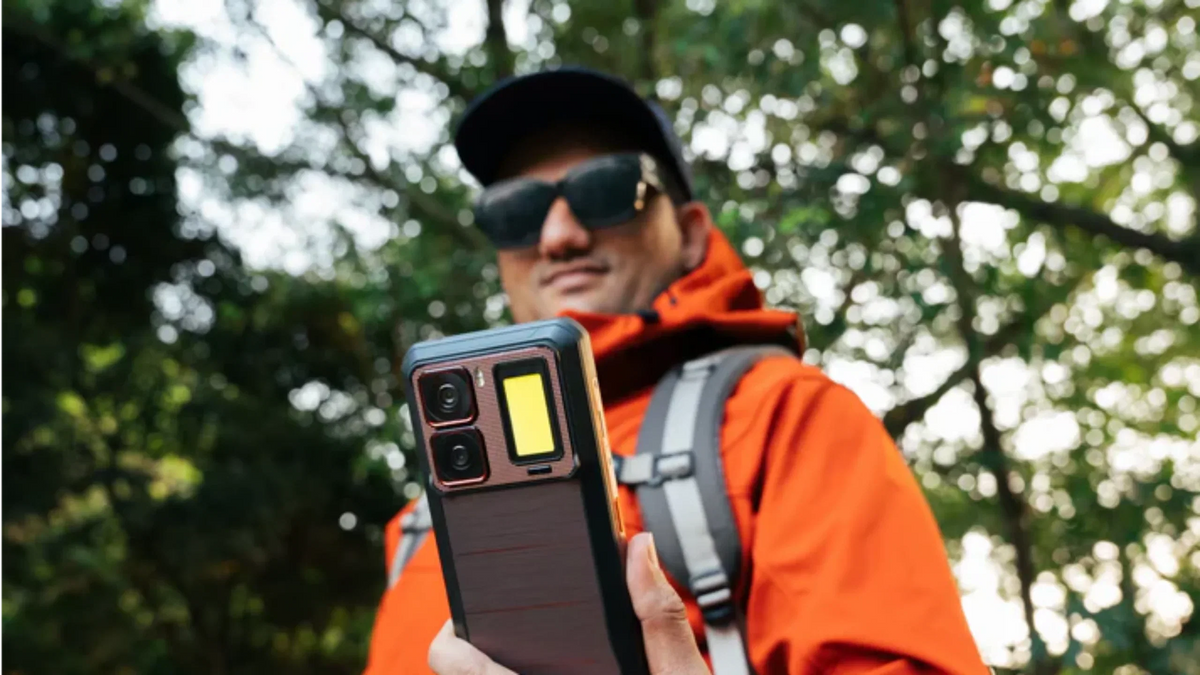
In 2026, our smartphones are more powerful than ever, yet the "lag monster" still manages to strike. Whether you're using a flagship device or a durable OUKITEL rugged phone, performance drops can be incredibly frustrating. We rely on our devices for everything from AI-assisted work to high-definition streaming, so when the interface stutters, it feels like the world is slowing down with it.
If you are constantly asking "why is my phone so slow?", this guide will break down the technical culprits of 2026 and show you exactly how to restore that "out-of-the-box" speed.
Top Causes of Phone Slowness in 2026 (And Why Some Phones Avoid Them)
Before fixing a slow phone, you need to understand where the slowdown actually starts. In 2026, performance issues usually aren’t caused by one single problem—but by hardware limits that modern software constantly pushes past.
A. Low Internal Storage (Why Full Phones Feel Broken)
When your phone’s storage is nearly full, the system has no space to create temporary files, cache AI tasks, or handle background processes. Once storage usage passes 90%, Android performance can drop sharply—apps open slower, keyboards lag, and even basic gestures stutter.
Why this happens:
Modern Android versions rely heavily on background caching for AI features, image processing, and app preloading. Without enough free space, the system simply can’t keep up.
Why OUKITEL handles this better:
OUKITEL phones are built with large base storage options (up to 512GB) and MicroSD expansion support, giving the operating system the “breathing room” it needs to stay fast—even after years of use.
B. RAM Overload & Background App Pressure
If your phone slows down the moment you switch apps, RAM is usually the bottleneck. In 2026, apps don’t just sit idle—they run AI services, sync data, and refresh content in the background.
What goes wrong:
Phones with only 4GB–6GB of RAM constantly kill background apps, forcing reloads and causing stutter. This creates the illusion of a “slow processor,” when the real issue is memory starvation.
Why OUKITEL stays smoother:
OUKITEL devices support Virtual RAM Expansion, reaching up to 72GB total RAM (physical + virtual). This allows Android to keep more apps alive simultaneously, reducing reloads and making the system feel consistently responsive.
C. Battery Aging & Performance Throttling
Many users don’t realize their phone slows down on purpose. As batteries age, they struggle to deliver peak voltage, to avoid sudden shutdowns. Android reduces CPU speed—a process known as battery throttling.
How this affects you:
Apps load slower, scrolling becomes choppy, and performance drops most noticeably when battery levels fall below 30%.
Why large-battery phones last longer:
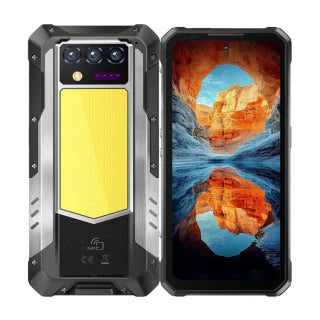
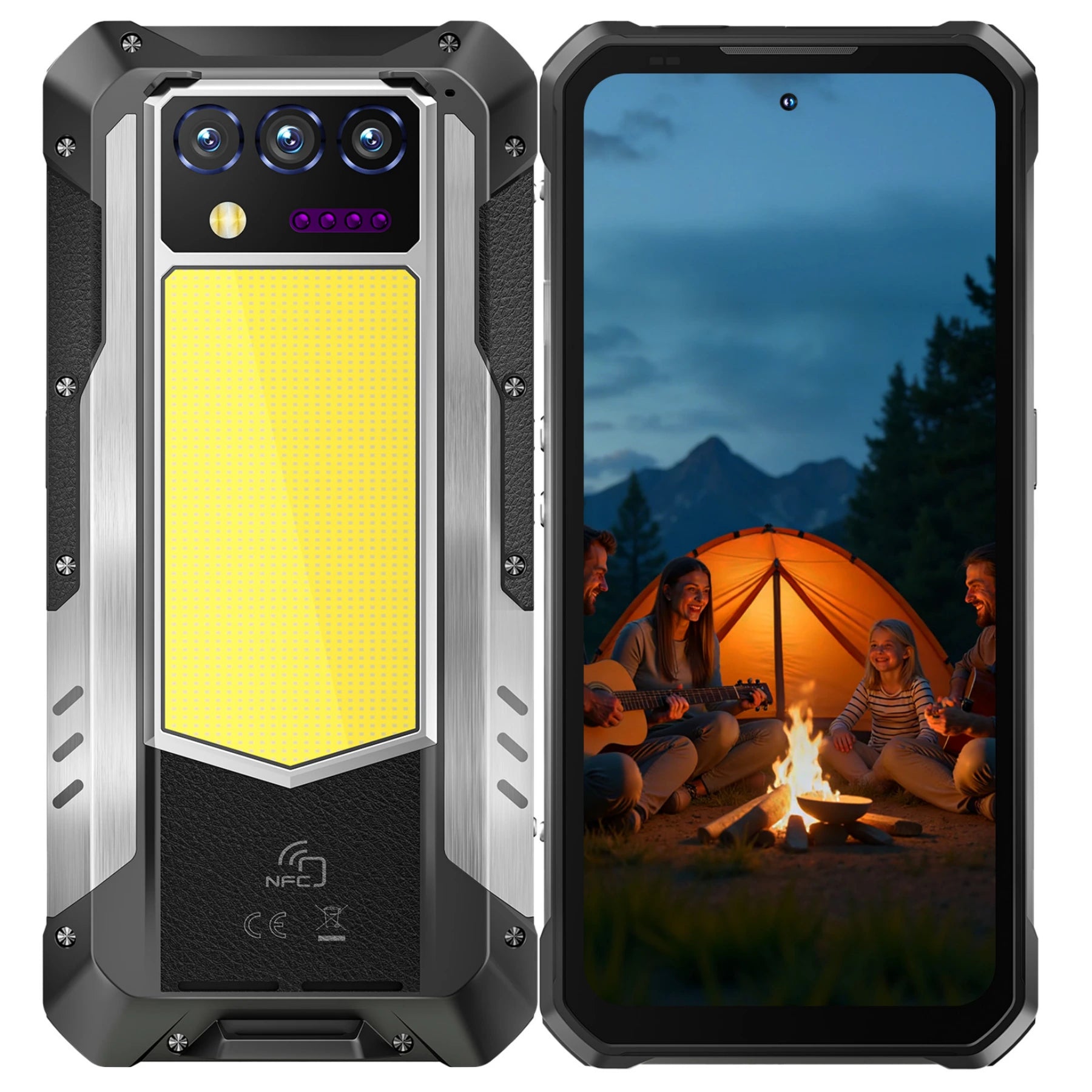
Phones like the OUKITEL WP60, with its massive 10,000mAh battery, maintain stable voltage for far longer than standard slim phones. This delays throttling and preserves full performance for years—not months.
D. Software Mismatch & App Bloat
Running modern apps on outdated software—or outdated apps on new Android versions—creates inefficiencies that feel like “random lag.”
Common symptoms:
- Apps freezing after updates
- Slower system animations
- Inconsistent performance after OS upgrades
Why OUKITEL reduces this issue:
OUKITEL phones ship with newer Android versions (Android 15/16) and cleaner system builds, minimizing compatibility issues and background bloat that often plague older or heavily skinned devices.
How to Speed Up Your Android Phone

Android devices offer the most flexibility for performance tuning. If your Android is dragging, try these steps:
- Clear the System Cache: Go to Settings > Storage > Apps and clear the cache for heavy hitters like TikTok, Instagram, and Chrome.
- Enable RAM Expansion: If you have an OUKITEL device, look for the Virtual RAM or Memory Expansion feature. This allows the phone to use a portion of its storage as extra RAM, significantly improving multitasking.
- Developer Options (The Secret Speed Hack): Go to Settings > About Phone and tap "Build Number" 7 times.
- Go to System > Developer Options.
- Find Window animation scale, Transition animation scale, and Animator duration scale.
- Change them all from 1x to 0.5x. Your phone will instantly feel twice as snappy.
Why Rugged Phones Stay Faster for Longer
Devices like the OUKITEL WP60 are designed to handle more stress than typical slim flagships.
- Superior Thermal Management: Rugged phones have larger bodies that act as natural heat sinks. Since heat is a major cause of CPU slowing, these phones can maintain high speeds for longer periods during gaming or GPS use.
- Massive Battery Capacity: With a 10,000mAh battery, the voltage stays stable for much longer than a standard 4,000mAh phone, delaying the "age-related throttling" that plagues older Pixels.
Thermal Throttling: The "Heat" Factor

In 2026, mobile processors are incredibly powerful, but that power generates significant heat. If your phone feels hot to the touch, it is likely experiencing Thermal Throttling. This is a safety feature where the phone deliberately slows down the CPU to prevent permanent hardware damage.
Common Heat Triggers:
- Fast Charging While Gaming: Using your phone for heavy tasks while it’s plugged into a fast charger creates a "double heat" effect.
- Direct Sunlight: Leaving your phone on a car dashboard or using it at max brightness in the sun will trigger a slowdown in minutes.
- Thick Cases: While protective, some rubberized cases act as insulators, trapping heat inside.
The Fix: If your phone is hot and lagging, remove the case and let it rest in a cool, shaded area for 5 minutes. Avoid the "refrigerator trick"—extreme temperature shocks can cause internal condensation.
The 20% Storage Rule for Peak Performance
Many people wait until their storage is 99% full before deleting anything. However, in 2026, Android requires significant "buffer" space to move data around and process background AI tasks.
- Why it matters: When storage is nearly full, the "Write" speed of your memory chips drops significantly. This makes opening apps, saving photos, and even typing on the keyboard feel sluggish.
- The Golden Rule: For a 256GB phone, try to keep at least 50GB (roughly 20%) free.
- Pro Tip for OUKITEL Users: If you use your rugged phone for high-res 4K video recording, the file sizes are massive. Always set your camera to save directly to a high-speed Class 10 MicroSD card to keep your internal system storage lean and fast.
App-Specific "Memory Leaks"
Sometimes, your phone isn't slow—just one or two apps are "misbehaving". A "memory leak" happens when an app asks for RAM but doesn't "give it back" when you close it, eventually starving the rest of the system.
How to Catch the Culprits:
- On Android: Go to Settings > Battery > Battery Usage. Look for apps that have high background usage even though you haven't opened them today.
- The "Force Stop" Method: If a specific app like TikTok or Facebook is stuttering, go to App Info > Force Stop, then re-open it. This clears the app's temporary memory without deleting your data.
Summary Checklist for a Faster Phone
|
Step |
Action |
Benefit |
|
Storage |
Delete apps and large videos |
Gives the OS room to "think" |
|
Cache |
Clear app-specific cache |
Removes temporary file clutter |
|
Restart |
Turn off/on weekly |
Flushes the RAM and resets errors |
|
Updates |
Install the latest OS |
Provides the latest speed optimizations |
|
Battery |
Replace if under 80% health |
Stops the CPU from throttling |
Conclusion
Understanding why my phone is so slow is half the battle. By managing your storage, monitoring your battery health, and utilizing features like RAM expansion, you can keep your device running at peak performance well into 2026.
Ready for a phone that won't slow you down?
Experience the power of 48GB RAM and a massive 10,000mAh battery with the OUKITEL WP60. Browse the latest rugged collection and find a device built for speed and durability.
Frequently Asked Questions
Does 5G make my phone faster?
5G improves your internet speed (how fast you download files), but it doesn't necessarily make the phone’s interface faster. However, a poor 5G signal can cause the phone to "stutter" as it constantly tries to reconnect.
Will a Factory Reset fix the slowness?
Yes. A factory reset is the most effective way to clear out years of digital "junk" and corrupted system files. Just be sure to back up your data first!
How often should I restart my phone?
You should restart your phone at least once a week. This clears out "memory leaks" (apps that refuse to let go of RAM) and refreshes system processes.
Is "Virtual RAM" real?
Yes, but it is not as fast as physical RAM. It helps keep more apps open in the background without them "refreshing" when you click them, which makes the phone feel more responsive.






Leave a comment
Your email address will not be published. Required fields are marked *