


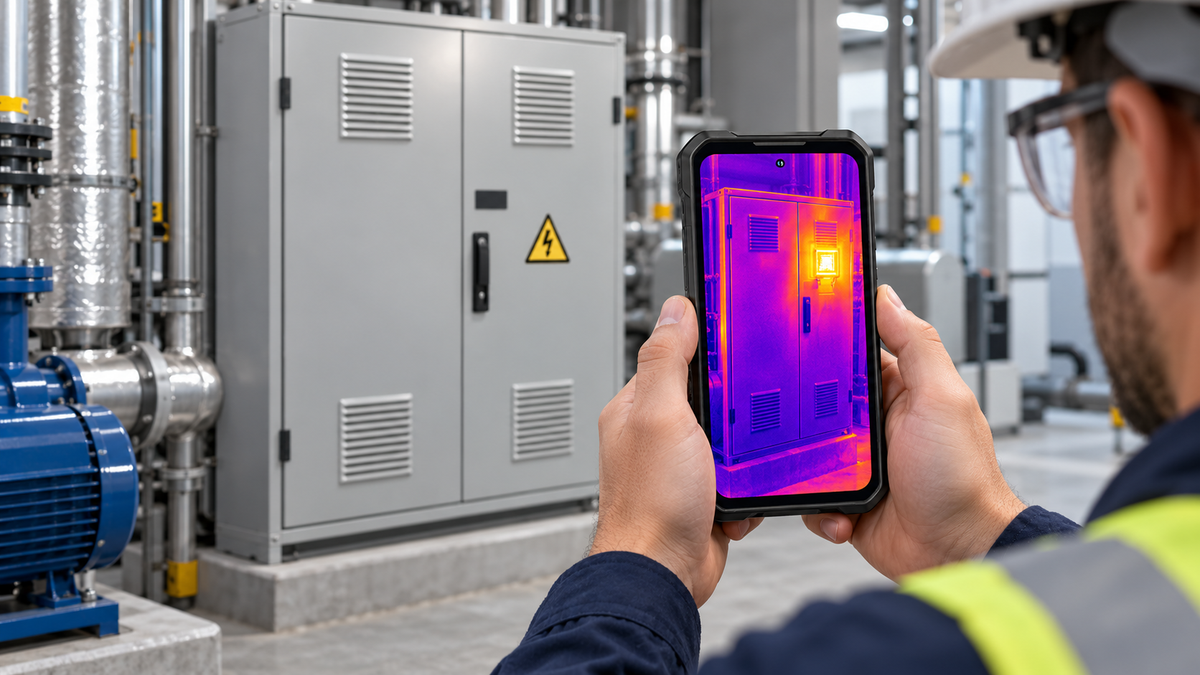
A useful thermal inspection report must show what was inspected, where the suspected problem appeared, how the thermal image was captured, and what should happen next. It should combine thermal and visible-light images with temperature readings, inspection conditions, clear observations, and appropriate limitations.
A smartphone with an integrated thermal camera can simplify this process because scanning, photography, note-taking, file organization, and communication happen on one device. However, a colorful heat pattern alone is not enough to prove that equipment is defective. Surface materials, reflections, viewing angle, operating load, and environmental conditions can all affect the result.
The goal is therefore not to produce the most dramatic thermal image. It is to create a consistent record that another person can understand, review, and compare during a future inspection.
Define the Inspection Scope Before Taking Thermal Images
Starting with a clear scope prevents an inspection from becoming a folder of unrelated images. Before opening the thermal camera, identify the purpose of the inspection and the equipment or area that needs to be documented.
A simple scope statement might be:
Screen the accessible electrical distribution equipment in Building A for unusual surface-temperature patterns under normal operating conditions.
This statement defines the location, task, equipment type, and intended use of the results. It also avoids promising that the inspection will identify every internal fault.
Record the Location, Equipment, and Inspection Conditions
Create a job record before capturing the first thermal image. At minimum, record:
- Client, site, or department name
- Building, room, or work-area location
- Inspection date and time
- Inspector’s name
- Equipment name and asset number
- Operating condition or estimated load
- Indoor or outdoor environment
- Relevant weather or ambient conditions
- Thermal device used
- Any areas that could not be accessed safely
Equipment labels should be photographed whenever possible. A label image helps connect the thermal finding to the correct panel, motor, pipe, vent, appliance, or machine after the inspector has left the site.
Operating conditions matter because temperature patterns can change with load. Comparing an idle motor with one operating continuously, for example, may lead to an unhelpful conclusion. If the exact load is unavailable, record what can be observed rather than guessing.
Write “equipment operating during inspection” or “load not confirmed” instead of presenting an unsupported number.
Decide Which Components and Reference Areas to Compare
A thermal inspection becomes more meaningful when the suspected area can be compared with a similar reference.
Depending on the application, the reference might be:
- Another electrical connection carrying a comparable load
- A matching motor or bearing under similar operating conditions
- Adjacent sections of the same wall or ceiling
- Supply and return areas in an HVAC system
- Similar pipes carrying the same type of fluid
- The same component recorded during an earlier inspection
Define these comparison points before capturing images. This reduces the temptation to select only the hottest or most visually interesting area after the inspection.
It is also important to establish safe boundaries. Do not remove electrical-panel covers, touch exposed conductors, enter restricted machinery areas, or approach equipment that is smoking, sparking, leaking, or producing a strong burning odor. A smartphone makes documentation more convenient, but it does not make an unsafe inspection safe.
Capture Clear and Comparable Thermal Evidence

Each reported finding should give the reader enough context to answer three questions:
- What equipment am I looking at?
- Where is the temperature pattern located?
- What evidence supports the observation?
The most reliable way to do this is to capture an overview photograph, a visible-light detail image, and a thermal image from a similar position.
Stabilize the Phone and Choose the Correct Imaging Mode
Hold the phone steadily and frame the entire area before moving closer. Beginning with a tight close-up can remove the visual clues needed to identify the component later.
Use the thermal mode that best fits the reporting goal. A standard infrared view makes temperature differences easy to see, while an image-fusion or picture-in-picture view can help connect the heat pattern with the physical equipment. Visible-light images remain valuable for labels, cable positions, surface damage, controls, fasteners, and other details that may not appear clearly in a thermal view.
Keep the color palette consistent when documenting similar components. If one image uses a different palette or temperature scale, ordinary differences may appear more dramatic than they actually are.
Automatic scaling can be useful for finding patterns quickly, but it may also cause two images of similar equipment to look very different. Check the displayed temperature range before comparing images and record whether the range was automatic or manually adjusted.
Photograph the Same Area in Thermal and Visible Light
For every finding, capture images in a repeatable sequence:
- Photograph the overall installation.
- Photograph the equipment label or asset number.
- Capture a visible-light image of the inspected area.
- Capture the thermal image from a similar angle.
- Mark or describe the area of interest.
- Record the temperature reading and inspection conditions.
- Add a short voice note or written observation before moving on.
Avoid changing position unnecessarily between the visible and thermal images. Matching perspectives make it easier for maintenance personnel to locate the exact connection, vent, pipe section, bearing, or surface shown in the report.
Reflective materials require special care. Polished metal, glass, glossy tiles, and other low-emissivity surfaces can reflect thermal energy from nearby objects or the inspector. A bright area on a reflective surface may therefore represent a reflection rather than the surface’s actual temperature.
When accurate measurement is uncertain, describe the image as a thermal pattern and recommend verification instead of reporting the displayed value as unquestionable fact.
Record Temperature Readings Without Obscuring Context
A temperature marker should sit on the relevant surface, not on an edge, background object, reflection, or partially hidden component. Keep the full object visible whenever possible.
For each reported measurement, record:
| Report field | What to include |
|---|---|
| Image number | A unique and consistent reference |
| Component | Equipment and inspected area |
| Surface temperature | Displayed reading and unit |
| Reference temperature | Comparable area, when available |
| Temperature difference | Difference between relevant points |
| Operating condition | Running, idle, loaded, or unknown |
| Imaging mode | IR, fusion, picture-in-picture, or visible |
| Limitation | Reflection, access, distance, load, or other issue |
Temperature difference can sometimes be more useful than one isolated value. If comparable electrical connections are operating under similar conditions, for example, a warmer connection may deserve further investigation even if the report cannot determine the cause.
Do not use a temperature difference by itself to diagnose loose wiring, excessive resistance, internal damage, or imminent failure. The report should distinguish the observed evidence from the possible explanations.
Use a Thermal Smartphone to Keep the Evidence Together
[product-card-1]
Field reporting becomes easier when thermal images, ordinary photographs, notes, contacts, and report files can remain on the same device.
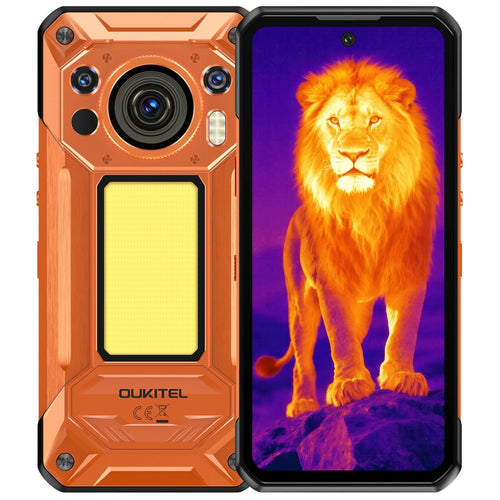
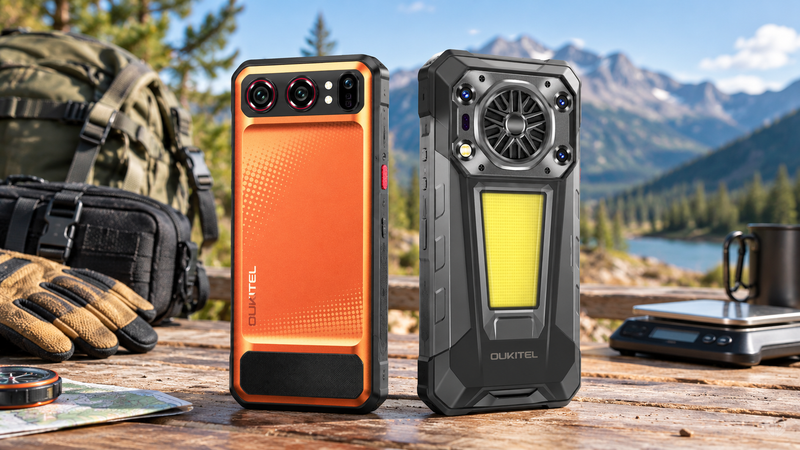
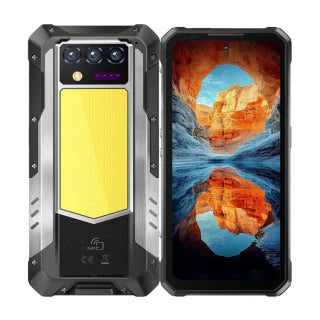
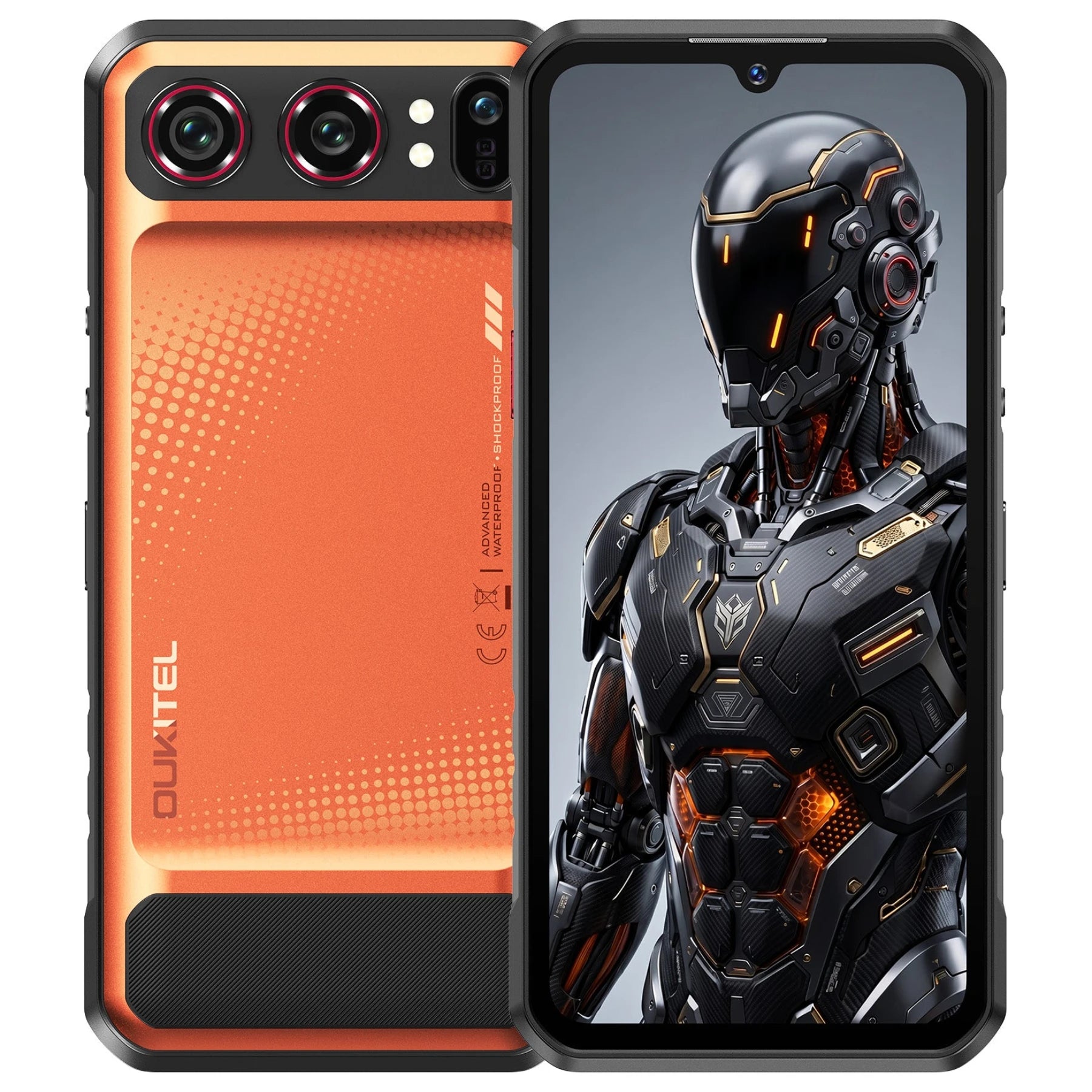
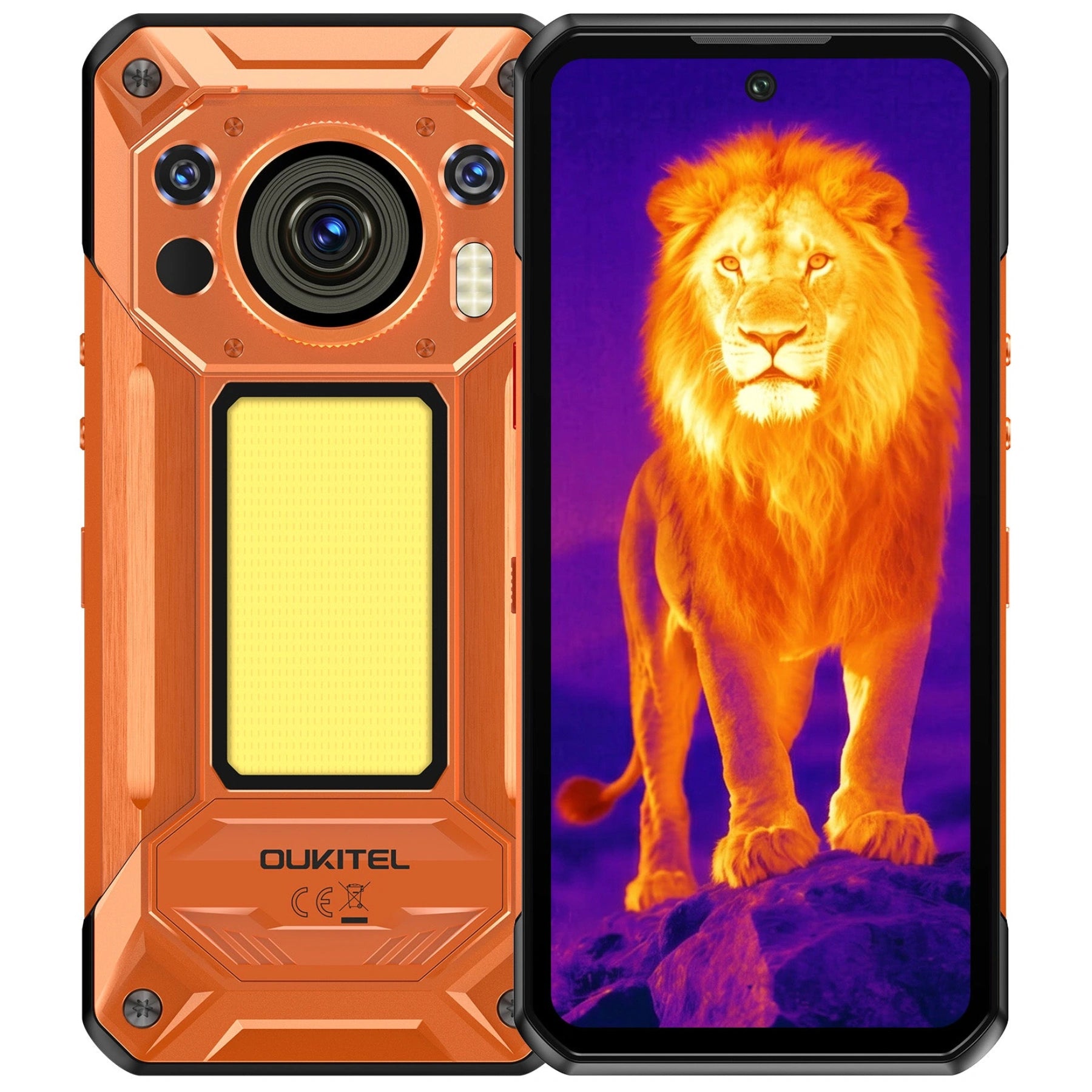
The OUKITEL WP500 Ultra, OUKITEL’s flagship thermal-imaging rugged phone, supports this workflow with AI thermal imaging that can analyze thermal data in real time to detect temperature changes and identify hotspots. An inspector can use the thermal view to locate an unusual surface-temperature pattern and the 108MP AI main camera to document surrounding equipment, labels, and visible details.
For example, while screening an accessible electrical cabinet, the inspector could capture:
- An overview showing the cabinet’s location
- A clear photograph of the equipment label
- A thermal image showing the area of interest
- A mixed or picture-in-picture image connecting the pattern to the component
- A single-point surface-temperature reading
- A written note describing the operating condition
The phone’s 10,000mAh battery supports extended inspection workflows involving repeated scanning, photography, file review, and communication, while 45W fast charging helps replenish power between assignments. Its rugged construction is also relevant for field environments where ordinary consumer devices may be exposed to dust, rain, or rough handling.
These capabilities make the WP500 Ultra a practical collection and documentation tool, but they do not turn every captured reading into a professional diagnosis. Thermal imaging detects surface-temperature patterns. It cannot see through walls, confirm the condition of hidden wiring, determine the exact cause of abnormal heat, or replace calibrated instruments and qualified inspection.
Readers comparing devices for this type of work can review the OUKITEL rugged phone collection or the guide to choosing a thermal imaging phone. The thermal resolution, measurement tools, image modes, battery life, storage, and export workflow should match the intended inspection task.
Organize the Findings Into a Consistent Report

A clear report uses the same structure for every finding. Readers should not have to search through paragraphs to determine which image, asset, temperature, and recommendation belong together.
A practical report can use the following order:
- Report identification
- Inspection scope
- Equipment and environmental conditions
- Summary of findings
- Individual finding pages
- Limitations
- Recommended follow-up
- Image appendix, if required
The summary should highlight the number and priority of findings without overstating their meaning. Detailed evidence belongs in the individual finding sections.
Add an Overview, Image Pair, and Observation for Each Finding
Each finding should contain a compact evidence block.
Finding ID: TI-001Location: Building A, electrical roomEquipment: Distribution cabinet DB-2Observation: One accessible connection displayed a higher surface-temperature pattern than adjacent comparable connections during the inspection.Evidence: Visible-light overview, thermal image, reference measurement, and equipment-label imageLimitation: Exact load and internal connection condition were not verifiedRecommended action: Arrange assessment by a qualified electrician
This wording reports what the thermal image shows without claiming that the image has identified a loose connection or another specific defect.
A useful image layout places the visible photograph and thermal image side by side. Use arrows, boxes, or numbered markers sparingly to identify the area of interest. Annotations should support the evidence, not cover the temperature scale or important equipment details.
Separate Measured Facts From Interpretation
The strongest reports clearly distinguish three levels of information:
| Information type | Example |
|---|---|
| Recorded fact | The displayed surface temperature at the marked point was 54°C |
| Comparison | The adjacent comparable point displayed 38°C |
| Interpretation | The difference warrants further inspection under confirmed operating conditions |
Avoid changing “unusual thermal pattern” into “failed component” unless the conclusion is supported by appropriate testing and professional expertise.
Useful report language includes:
- “The image shows…”
- “The marked surface displayed…”
- “Compared with the adjacent component…”
- “The cause was not determined during this screening.”
- “Further investigation is recommended.”
Avoid unsupported language such as:
- “This proves the wire is loose.”
- “The component will fail soon.”
- “There is definitely water inside the wall.”
- “The equipment is safe because no hotspot was found.”
A normal-looking thermal image does not prove that equipment is free from electrical, mechanical, structural, or moisture-related problems.
Classify Findings by Priority and Recommended Follow-Up
Priority categories should reflect the organization’s procedures, equipment type, operating conditions, and qualified judgment. Do not create urgency solely from color.
A simple editorial system might be:
- Monitor: Record the pattern and compare it during the next scheduled inspection.
- Investigate: Arrange further assessment because the finding differs meaningfully from an appropriate reference.
- Urgent professional review: Escalate promptly because the observation occurs with other warning signs or presents a potential safety concern.
The recommended action should name the next step without prescribing work outside the inspector’s competence.
Examples include:
- Verify the load and repeat the thermal check.
- Compare the component under equivalent operating conditions.
- Ask a qualified electrician to inspect the circuit.
- Ask an HVAC technician to assess airflow and system performance.
- Use an appropriate moisture meter to investigate the surface pattern.
- Establish a baseline image after maintenance.
Review the Report Before Sharing It

A final review catches errors that could make an otherwise useful report confusing or misleading.
Check Image Labels, Temperature Units, and File Details
Confirm that every finding includes the correct asset, location, image number, and temperature unit. Celsius and Fahrenheit should never be mixed without clear labeling.
Check that:
- Image numbers match the written findings
- Thermal and visible images show the same area
- Temperature markers are positioned correctly
- Scales and palettes remain visible
- Asset labels can be read
- Dates and times are correct
- Duplicate or blurred images have been removed
- Filenames follow one consistent convention
A useful filename format is:
Site-Asset-FindingID-Date-ImageType
For example:
BuildingA-DB2-TI001-20261022-Thermal.jpg
Consistent filenames make the report easier to audit and update.
Remove Unsupported Conclusions and Protect Sensitive Information
Review every conclusion and ask whether it is supported by the captured evidence. Replace definitive diagnoses with precise observations when confirmation requires additional testing.
Inspection photographs may contain employee names, access codes, computer screens, security controls, serial numbers, floor plans, or confidential equipment details. Crop or redact information that the intended reader does not need.
Before using cloud storage, email, or a reporting platform, follow the site owner’s information-security requirements. A clear inspection report should not create a separate privacy or security problem.
Export, Name, and Store the Report for Future Comparison
Export the report in a format the recipient can open reliably, usually PDF. Keep the original thermal files when possible because exported screenshots may lose measurement data or editing options.
Store the report with:
- Original thermal images
- Visible-light photographs
- Final PDF
- Notes and inspection conditions
- Device or app information
- Revision date
- Reviewer’s name
- Follow-up status
Future inspections are more useful when the same asset can be photographed from a similar angle under comparable operating conditions. A baseline image turns an isolated inspection into a maintenance record.
For more background on the technology’s limitations, see Can a Thermal Camera Phone See Through Walls?. Users who need thermal imaging alongside field-ready construction can also explore OUKITEL’s current phone collections.
FAQ
What Information Should Every Thermal Inspection Report Include?
Every report should include the inspection date, location, inspector, equipment identification, operating condition, thermal and visible images, temperature readings, observations, limitations, priority, and recommended follow-up.
Can a Smartphone Thermal Camera See Through Walls?
No. A smartphone thermal camera measures infrared energy reaching it from accessible surfaces. It may reveal a temperature pattern on a wall, but it cannot display wiring, pipes, people, or objects hidden behind the wall.
How Can Emissivity Affect a Thermal Reading?
Emissivity describes how effectively a surface emits thermal radiation. High-emissivity materials generally provide more dependable surface readings, while polished or reflective materials can reflect surrounding heat and produce misleading values. Surface material, angle, distance, and environmental conditions should therefore be considered when interpreting a reading.
Can a Smartphone Thermal Report Replace a Professional Electrical Inspection?
No. A smartphone thermal report can document unusual surface-temperature patterns and help direct attention to an area. It cannot test electrical connections, inspect hidden conductors, identify the exact fault, or certify that an installation is safe. Suspected electrical problems require assessment by a qualified electrician.
Conclusion
Creating a thermal inspection report with a smartphone requires more than capturing a heat map. Begin with a defined scope, record the equipment and operating conditions, capture matching thermal and visible-light images, and organize each finding around observable evidence.
Keep measurements separate from interpretation, acknowledge reflections and access limitations, and recommend qualified follow-up instead of making unsupported diagnoses. A flagship thermal smartphone such as the OUKITEL WP500 Ultra can bring scanning, 108MP visual documentation, note-taking, and communication into one field-ready device, making the reporting process more efficient.
The final report should allow another person to identify the inspected asset, understand the thermal pattern, evaluate the limitation, and take the appropriate next step.



Leave a comment
Your email address will not be published. Required fields are marked *