
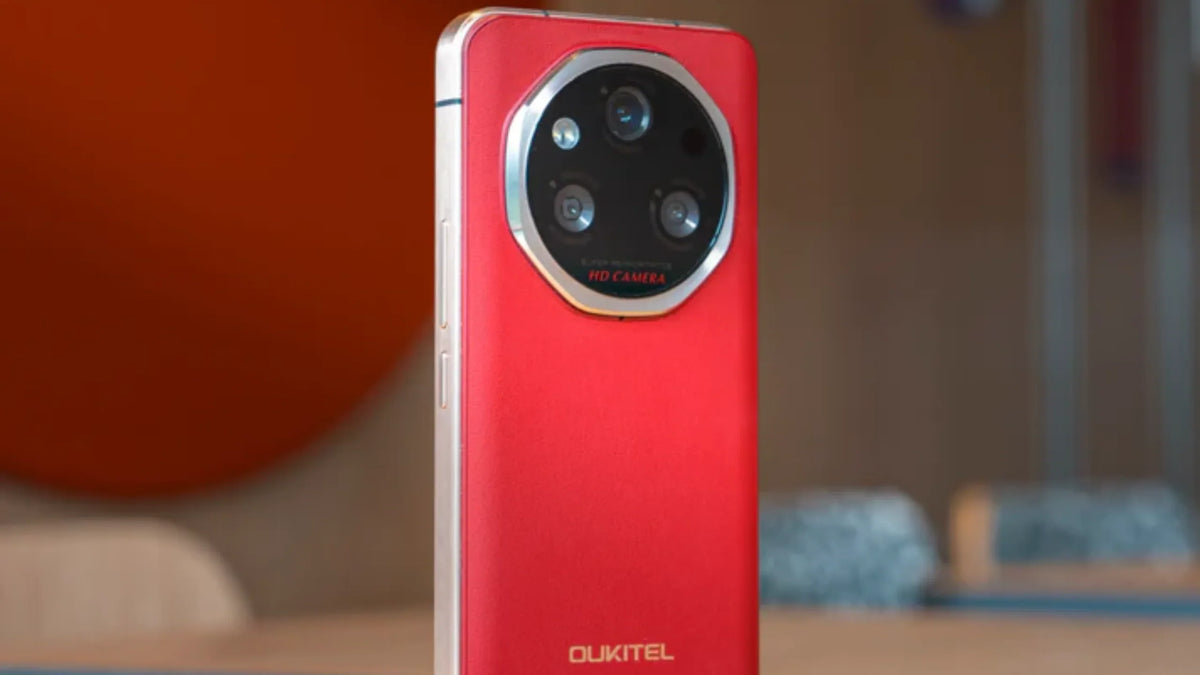
In 2026, keeping your smartphone updated isn’t just about new emojis—it’s critical for security, AI performance, and battery longevity, Android 15 has become a mature standard, and Android 16 (“Baklava”) is rolling out to flagship and rugged devices alike.
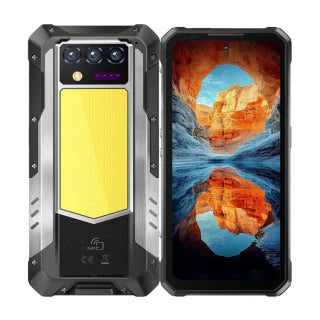
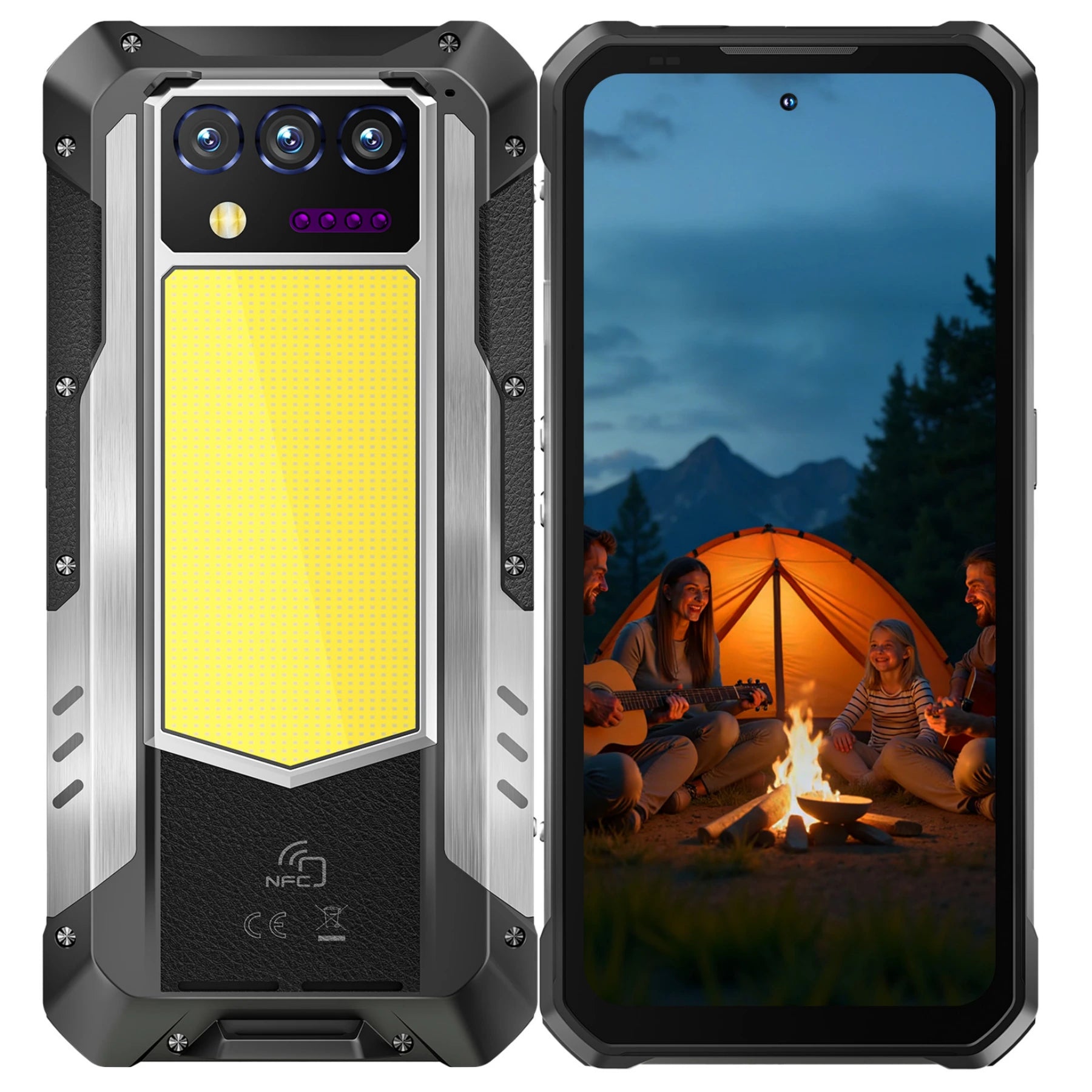
Whether you are using the OUKITEL WP60 or trying to figure out how to update an older Android phone, this guide will walk you through every step while highlighting OUKITEL’s storage and memory advantages.
Whether you are using a cutting-edge OUKITEL WP60 or trying to figure out how to update old android phone to the latest version, this comprehensive 2026 guide will walk you through every step.
Why the 2026 Updates are Different: Android 15 vs. Android 16

The jump to Android 15 and 16 represents the biggest shift in mobile OS history, primarily due to the deep integration of System-Level AI.
Why Updating Matters: Android 15 vs Android 16
Android 15 – Stability and Efficiency
- Refined “Material You” interface
- Private Space: encrypted container for sensitive apps
- Improved taskbar and multitasking for large-screen devices
Android 16 – AI-First OS
- Ambient Intelligence: Predictive gestures prevent accidental app exits
- Advanced Protection Mode: one-tap security against malware
- Performance Optimization: improves CPU efficiency and extends battery life (up to 15% on large-capacity batteries like OUKITEL’s 10,000mAh)
How to Update Your Android Phone (Over-the-Air)
Most modern phones notify you when an update is ready. If not, here’s how to manually trigger it:
- Connect to a stable Wi-Fi network (updates can be 2GB+).
- Plug your phone into a charger or ensure battery ≥50%.
- Open Settings → System (or Software Update on some models).
- Tap System Update → Check for Update.
- If an update is available, follow on-screen prompts to download and install.
OUKITEL Advantage: OTA updates on devices like the WP60 optimize the Dimensity 7025 chipset, AI camera software, and large RAM/ROM usage. Always check for updates after setup to ensure maximum performance, smooth multitasking, and 2026 security patches.

Over-the-Air Update
- Connect to Wi-Fi and plug in your phone (≥50% battery).
- Go to Settings > System > System Update.
- Tap Check for Update and follow prompts.
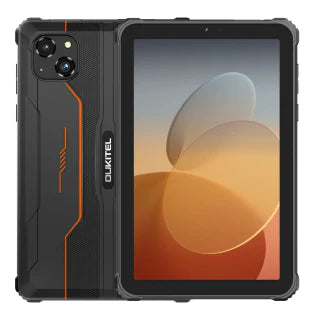
Updating OUKITEL Rugged Phones
-
OTA updates optimize the Dimensity 7025 chipset, AI camera software, and large RAM/ROM usage.
- Always check for updates after setup to ensure maximum performance and security.
Updating Older Android Phones
- Check manufacturer support; hardware may prevent updates to Android 16.
- Use Google Play System Updates for ongoing security patches.
- Consider upgrading to a rugged 5G phone if your device no longer receives updates.
Updating Apps
- Open Play Store > Profile Icon > Manage apps & device > Update all.
- Enable auto-update under Settings > Network preferences.
OUKITEL WP60: Storage & Memory
The OUKITEL WP60 isn’t just durable—it’s built for performance with:
- Large Internal Storage: 512GB for media, apps, and maps, expandable up to 2TB via TF (microSD) card.
- Virtual RAM Expansion: 16GB → 48GB for smooth multitasking.
- Optimized AI Features: Camera AI, battery optimization, and memory management.
- Rugged Design: Shockproof, waterproof, and dustproof.
Comparison: OUKITEL WP60 vs Standard Android Phones
|
Feature |
OUKITEL WP60 / Rugged Phones |
Standard Android Phones |
|
Internal Storage |
512GB, expandable up to 2TB |
64GB – 256GB |
|
Virtual RAM Expansion |
16GB → 48GB |
Limited / None |
|
Expandable Storage |
TF Card (up to 2TB) |
MicroSD (varies) |
|
Battery & Performance AI |
Adaptive Battery & Memory Management |
Adaptive Battery |
|
Rugged / Durable Design |
Yes |
No |
The Standard Method (Over-the-Air)
- Connect to a stable Wi-Fi network (updates can be 2GB+).
- Plug your phone into a charger or ensure the battery is at least 50%.
- Open Settings.
- Scroll down to System (or Software Update on some models).
- Tap System Update.
- Tap Check for Update. If one is available, follow the on-screen prompts to download and install.
Updating Rugged Phones (OUKITEL)
If you own a device like the OUKITEL WP60, the process is identical. OUKITEL provides OTA (Over-the-Air) updates to optimize the Dimensity 7025 chipset and the 108MP camera software. Always check for updates after the initial setup to ensure you have the latest 2026 security patches.
How to Update Old Android Phone to Latest Version
If your phone is more than 3–4 years old, you might find that the "System Update" says you are up to date. Even if you are on an old version like Android 12.
- Check Manufacturer Support: Not every phone can run Android 16. Hardware limits (like RAM and CPU) may stop the manufacturer from releasing newer versions for older models.
- Google Play System Updates: Even if your main OS won't update. you can still update core security. Go to Settings > Security & Privacy > System & Updates > Google Play System Update. This keeps your device safe even without a full OS upgrade.
- Consider an Upgrade: If your device can no longer receive security patches, your data is at risk. Upgrading to a modern rugged 5G phone ensures you get 3–5 years of guaranteed support.
How to Update Apps on Android Phone

Updates aren't just for the system. To use the new AI features in 2026, your apps must also be current.
Manual App Updates
- Open the Google Play Store.
- Tap your Profile Icon in the top right.
- Tap Manage apps & devices.
- Under "Updates available." tap Update all.
Automatic App Updates
To ensure you never miss a feature. enable auto-updates:
- In the Play Store, go to Settings > Network preferences.
- Tap Auto-update apps.
- Select Over Wi-Fi only to save on mobile data.
Advanced Fix: Cleaning “System Data” & “Other” Storage
|
Device |
How to Fix System Data / Ghost Storage |
|
OUKITEL |
Settings > Apps > Show System Apps > Media Storage > Clear Data; restart to re-index; Virtual RAM ensures smooth updates |
|
Android |
Settings > Apps > Show System Apps > Media Storage / Files by Google > Clear Data; restart |
Key Advantage: OUKITEL’s virtual memory expansion and AI-driven memory management prevents storage issues from blocking updates and keeps older apps running efficiently.
Final Checklist Before Updating
- Backup: Cloud or SD card
- Power: ≥50% battery and plug in
- Storage: ≥10GB free for update unpacking
- Wi-Fi: Stable high-speed connection
- App Updates: Update all apps to use new Android 16 AI features
OUKITEL Tip: Large internal storage and virtual RAM ensure the update process is smoother,
Advanced Protection Mode: Available on devices like the OUKITEL WP60, this "one-tap" security feature locks down the system against harmful apps and unverified websites.
How to Join the Android Beta Program (The Early Access Method)
If you are an enthusiast who wants to try Android 16 "Baklava" or the latest Quarterly Platform Releases (QPR) before everyone else, you can enroll in the Beta Program.
How to Enroll:
- Visit the Android Beta Program website.
- Sign in with the Google Account used on your phone.
- Eligible devices (like the Google Pixel series and select OUKITEL partner models) will appear under "Your eligible devices."
- Click Opt-in.
- On your phone. go to Settings > System > System Update to download the beta build.
Warning: Beta software is "pre-release." meaning it may contain bugs that drain your battery or cause apps to crash. Only do this if you are comfortable troubleshooting your device.
The Risks of Unofficial Updates (Custom ROMs)
If you are trying to find how to update an old android phone to the latest version and your manufacturer no longer supports it, you might consider "Custom ROMs" like LineageOS. While these can breathe new life into an old device, they come with significant risks in 2026.
- Broken SafetyNet: Many banking and payment apps (like Google Wallet) will not work on unofficial updates because the device fails security checks.
- Bricking Risk: If the installation fails. your phone could become a "brick"—a useless piece of hardware that won't turn on.
- Hardware Incompatibility: Features specific to rugged phones, such as specialized thermal sensors or the 108MP camera AI, often stop working on custom ROMs because the drivers are proprietary.
Frequently Asked Questions
Is Android 16 out for OUKITEL phones?
As of early 2026, many OUKITEL devices like the WP60 ship with Android 15, with Android 16 updates scheduled for mid-year. Check the OUKITEL Download Center for specific firmware files.
Will updating delete my photos?
No, a standard system update does not wipe your data. However, it is highly recommended to back up your photos to Google Drive or an SD card before starting a major OS transition, just in case of a power failure during the install.
How long does the update take?
A major version jump (e.g Android 15 to 16) usually takes 20 to 40 minutes. Your phone will restart several times during this process. Do not turn it off manually!
What is the "Security Patch Level"?
This is found in Settings > About Phone. It tells you the last time your phone was protected against the latest hacking threats. In 2026, you should never be more than 2–3 months behind the current date.
Final Checklist for a Successful Update
- Backup: Sync your data to the cloud.
- Power: Minimum 50% battery + plugged in.
- Space: At least 10GB of free internal storage.
- Wi-Fi: High-speed connection to avoid corrupted files.
Ready for a device that stays ahead of the curve? The OUKITEL WP60 is built for the future with Android 15 and 5G connectivity. Visit the OUKITEL Store to explore the toughest, smartest phones of 2026.


Leave a comment
Your email address will not be published. Required fields are marked *