


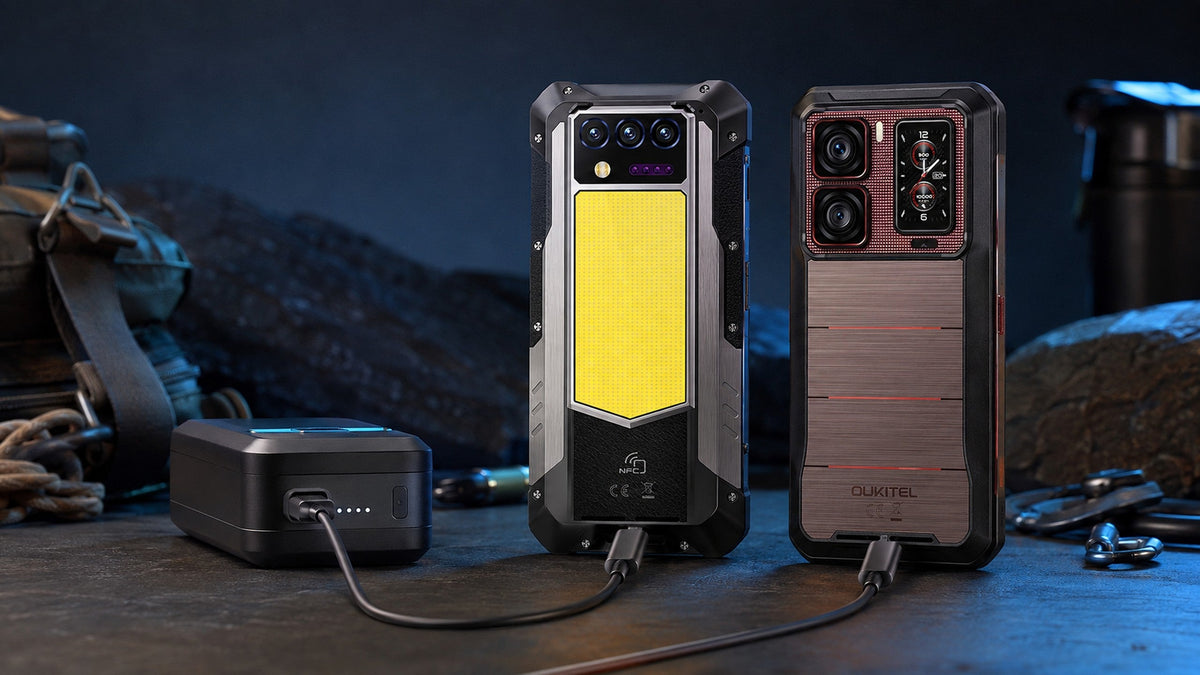
Phones that support reverse charging include selected Android rugged phones, flagship smartphones with wireless power sharing, and some USB-C phones designed to supply power to connected devices. However, having a large battery, USB-C port, or wireless charging does not automatically mean a phone can reverse charge.
The reliable way to confirm compatibility is to check the official product specifications or user manual for terms such as “reverse charging,” “power sharing,” “Battery Share,” or “Wireless PowerShare.” You must then match the charging method, cable, receiving device, and available output.
This guide explains which phone categories commonly support the feature, how to verify a specific model, and what to check before buying or connecting another device.
Quick Answer: Which Phones Can Reverse Charge Other Devices?
Reverse charging is commonly available on three types of phones:
- Rugged phones with large batteries and wired power output
- Selected Android flagship phones with reverse wireless charging
- USB-C phones specifically designed to supply power to accessories
Examples include OUKITEL rugged phones with wired reverse charging, selected Google Pixel phones with Battery Share, and compatible Samsung Galaxy phones with Wireless PowerShare. Support varies between models and generations, so a brand name alone is not enough to confirm the feature.
The source phone—the phone supplying energy—must support power output. The receiving phone or accessory must accept the chosen charging method.
| What you want to charge | Source phone needs | Receiving device needs |
|---|---|---|
| Another USB-C phone | Wired reverse charging and a compatible cable | USB-C charging input |
| A phone with another connector | Wired reverse charging and the correct cable or adapter | Compatible charging port |
| Wireless earbuds | Reverse wireless charging | A compatible wireless charging case |
| A smartwatch | Compatible wireless power sharing | Supported wireless charging standard |
| A USB accessory | Wired power output or OTG power | Compatible voltage, connection, and power requirement |
For instructions after confirming compatibility, see how to charge one phone with another phone.
Identify the Type of Reverse Charging a Phone Supports
Reverse charging can be wired or wireless. These methods require different hardware, and support for one does not guarantee support for the other.
Wired Reverse Charging Through USB-C
Wired reverse charging sends power from the source phone through its charging port. Depending on the two devices, the connection may use:
- A USB-C-to-USB-C cable
- A USB-C-to-USB-A adapter
- An OTG adapter and the receiving device’s charging cable
Wired reverse charging is practical for phones, earbuds, flashlights, cameras, GPS accessories, and other small electronics. It does not require the receiving device to contain a wireless charging coil.
The USB-C connector itself is not proof that a phone supports this feature. The USB Implementers Forum distinguishes between ports that operate as a power source, a power sink, or a dual-role power port. Only compatible hardware can supply power or negotiate a change in power direction. See the USB-IF USB Type-C System Overview for the underlying power roles.
Reverse Wireless Charging Through a Charging Coil
Reverse wireless charging uses a coil inside the back of the source phone to transfer energy to a compatible device. Manufacturers may call it Battery Share, Wireless PowerShare, reverse wireless charging, or wireless power sharing.
The receiving device generally needs compatible wireless charging hardware. Cases, magnetic attachments, camera bumps, and poor coil alignment may prevent charging or reduce efficiency.
Google, for example, identifies specific Pixel models that can use Battery Share with compatible wireless devices. Its support documentation also explains that Battery Share may stop when the phone becomes too warm, reaches a selected battery limit, or detects poor positioning. Current model support is available through Google Pixel Battery Share Help.
Samsung similarly provides Wireless PowerShare on selected Galaxy devices, but compatibility and availability depend on the model. Users should consult Samsung’s official Wireless PowerShare instructions instead of assuming that every Galaxy phone includes the feature.
A phone that receives wireless power does not necessarily send it. Always look for an explicit power-sharing specification.
How to Check Whether Your Phone Supports Reverse Charging

Start with official information, then confirm what the phone actually does. Third-party specification databases may be useful for discovery, but they can omit wattage, confuse wired and wireless charging, or copy details from another regional version.
Review the Official Specifications and User Manual
Search the manufacturer’s product page and manual for these terms:
- Reverse charging
- Reverse charge
- Wired reverse charging
- Reverse wireless charging
- Battery Share
- Wireless PowerShare
- Power sharing
- OTG power supply
A specification should ideally state both the method and output. For example, “18W reverse charging” is more informative than a general statement that the feature is supported.
Check the exact model number rather than the product family alone. A standard, Pro, Plus, Ultra, or region-specific version may have different charging hardware.
Do not use battery capacity as proof. A phone can have a 20,000mAh battery without supporting power output, while a smaller flagship may offer wireless power sharing.
Look for Reverse Charging, OTG, or Power-Sharing Settings
Open the phone’s settings and search for the feature name. Depending on the manufacturer, it may appear under:
- Battery
- Connected devices
- USB preferences
- Device care
- Quick Settings
- Additional settings
Some wired models activate power output automatically when a device is connected. Others require an OTG or reverse-charging setting to be enabled.
OTG support is a useful clue, but it is not conclusive on its own. OTG may describe data-host functions without confirming the charging output, wattage, or supported devices. The official specifications should still state that power sharing is available.
Confirm the Output Wattage and Battery Restrictions
Reverse-charging speed can vary substantially. A higher advertised charging input, such as 45W or 66W, describes how quickly the source phone can receive energy. It does not establish how much power that phone can send to another device.
Check for a separate reverse-charging output. Also review whether the feature:
- Turns off below a minimum battery percentage
- Stops when either device becomes too warm
- Requires the screen to be unlocked
- Has a time limit
- Works only with certain cables or accessories
- Must be re-enabled after restarting the phone
These details determine whether the feature is useful for a phone, wearable, or accessory—not just whether it exists.
Check Compatibility With the Device You Want to Charge
Compatibility is a two-device question. The source must be able to supply power, while the receiving device must accept the connection and available output.
Match the Charging Ports, Cable, and Adapter
For two USB-C devices, begin with a reliable USB-C-to-USB-C cable. If the receiving device uses Micro-USB, USB-A, or another connector, use a properly specified cable or adapter.
A cable that transfers data may not support the expected charging rate. Damaged, loose, or poorly made cables can also cause intermittent charging and excess heat.
After connecting the devices, confirm the charging symbol on the intended receiving device. If the wrong phone begins supplying power, disconnect them and review the USB or reverse-charging settings.
Check the Receiving Device’s Power Requirements
A reverse-charging phone can usually provide an emergency top-up to another phone or power small accessories. It should not be assumed to run every USB-C device.
Check the receiving device’s:
- Required input voltage
- Minimum power requirement
- Supported charging protocol
- Port type
- Manufacturer restrictions
A laptop may require far more power than a phone can provide. Even if the connectors fit, the laptop may charge extremely slowly, display a low-power warning, or reject the connection.
Devices such as earbuds, compact lights, and small GPS accessories generally require less power, but compatibility must still be confirmed.
Confirm Wireless Charging Support and Coil Alignment
For wireless power sharing, verify that the receiving phone or accessory supports a compatible wireless charging standard. Bluetooth compatibility does not mean charging compatibility.
Remove thick, magnetic, or metal-backed cases before testing. Place the receiving device near the center of the source phone’s charging coil and watch for its charging indicator.
Wireless transfer loses more energy than a direct cable connection and may generate additional heat. It is therefore better suited to short accessory top-ups than transferring a large amount of energy between phones.
OUKITEL Phones With Verified Reverse-Charging Support

OUKITEL offers several rugged phones with officially listed wired reverse charging. The table below reflects product-page information checked on September 3, 2026. Specifications, regional versions, and availability should be checked again before publication or purchase.
| OUKITEL model | Battery capacity | Listed reverse charging | Best fit |
|---|---|---|---|
| WP100 Titan | 33,000mAh | 18W | Maximum off-grid energy reserve |
| WP300 | 16,000mAh | 18W | Faster power sharing with a more balanced capacity |
| WP62 | 11,000mAh | 7.5W | Occasional accessory or emergency top-ups |
| WP61 | 20,000mAh | Supported; wattage not listed | Extended use where a large reserve matters |
| WP61 Plus | 20,000mAh | Supported; wattage not listed | Field teams needing power and communication features |
| WP66 | 11,000mAh | Supported; wattage not listed | Everyday rugged use with backup power sharing |
| WP68 Air | 8,000mAh | Supported; wattage not listed | Users prioritizing a slimmer rugged phone |
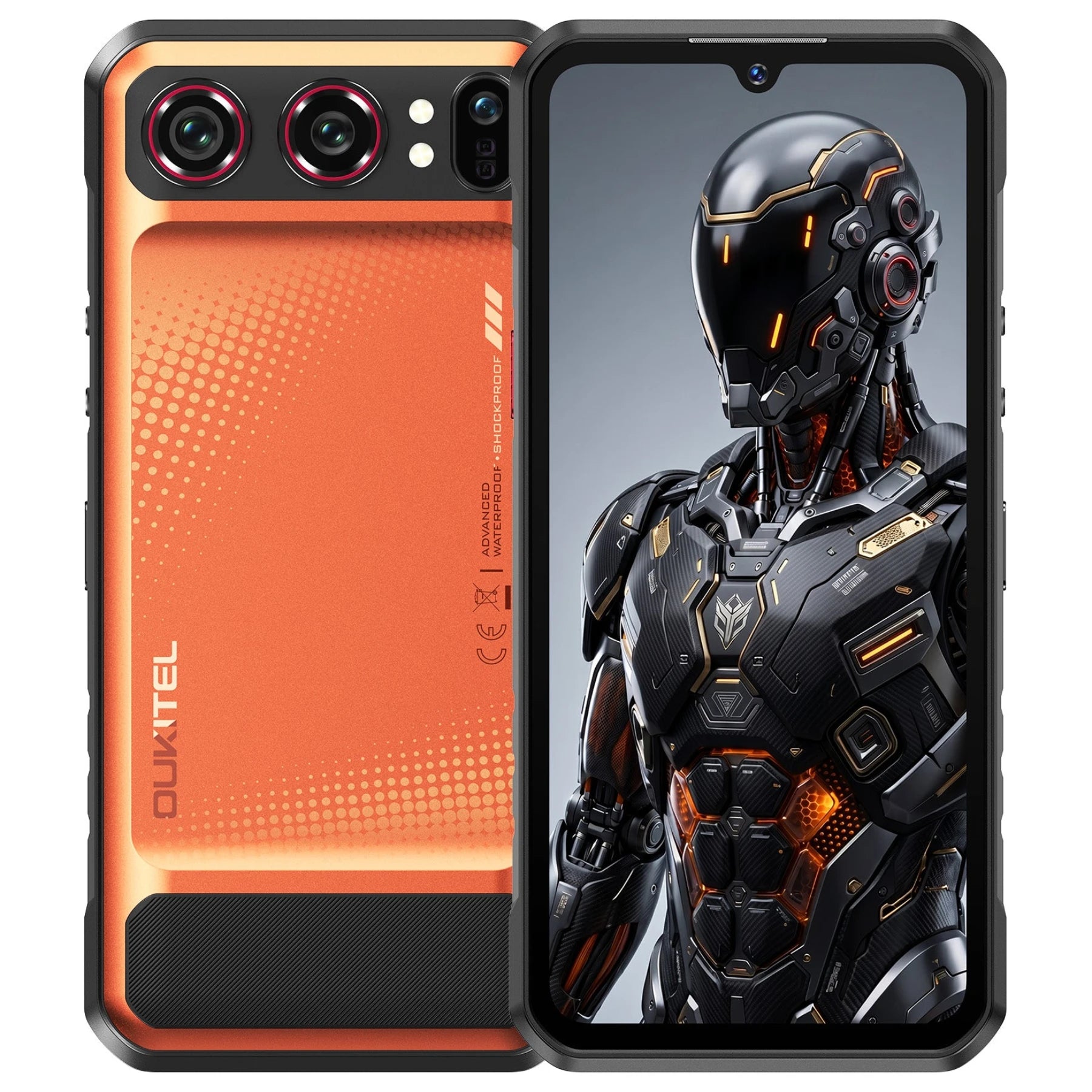
The OUKITEL WP100 Titan is the strongest fit when maximum reserve capacity matters. While standard flagships usually cap their batteries around 4,500mAh to 5,000mAh and use reverse wireless charging mainly for emergency earbud top-ups, the WP100 Titan acts as a true portable off-grid power station. Its official page lists a massive 33,000mAh battery and 18W wired reverse charging, which provides enough power to fully recharge a colleague's dead smartphone multiple times over. That combination ensures your team's communication devices stay alive during a multi-day camping trip, at a remote worksite, or during an extended power outage.
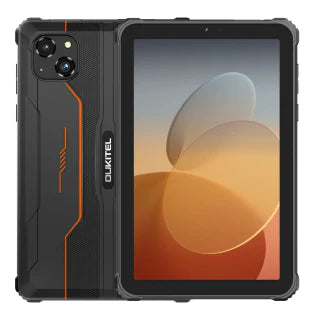
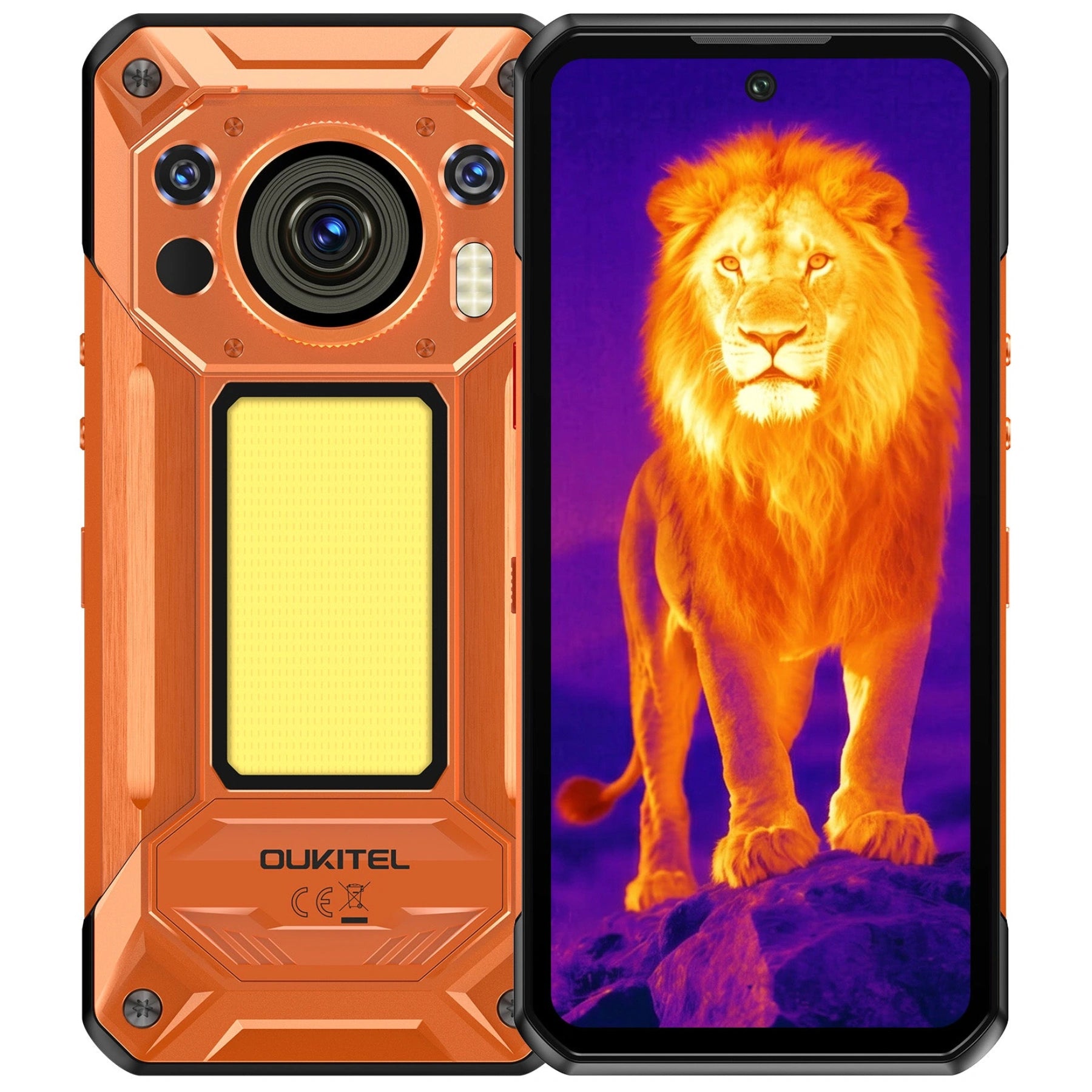
The OUKITEL WP300 also lists 18W reverse charging but uses a 16,000mAh battery, creating a more balanced option for users who want meaningful power sharing without choosing the largest model. The OUKITEL WP62 lists 7.5W reverse charging and an 11,000mAh battery, which may be sufficient for occasional phone or accessory top-ups.
Other OUKITEL pages confirm reverse-charging support without stating a specific output. Buyers should not assume that those models match the 18W output of the WP100 Titan or WP300. The specifications also confirm wired reverse charging—not reverse wireless charging—unless a model’s official documentation explicitly says otherwise.
Battery size remains only one part of the decision. Compare output power, carry weight, durability, connectivity, and normal runtime before choosing from OUKITEL’s smartphone selection. For a broader battery comparison, read what to compare beyond mAh in a big-battery phone.
Test Reverse Charging Safely When Compatibility Is Unclear

When the documentation confirms support but the devices do not charge, test the connection in a controlled environment.
Use this sequence:
- Make sure both devices and ports are dry and undamaged.
- Keep the source phone above its configured battery cutoff.
- Enable reverse charging or OTG power if required.
- Connect a known-compatible cable.
- Confirm which device shows a charging indicator.
- Wait briefly to see whether the connection remains stable.
- Disconnect the devices if either becomes unusually hot.
Do not force a connector, use a swollen battery, or continue testing a port that smells burnt, crackles, sparks, or shows discoloration. A repeated start-and-stop cycle may indicate a damaged cable, loose port, temperature limit, or unsupported power negotiation.
Remember that reverse charging transfers energy rather than creating it. The source phone will lose more stored energy than the receiving device gains because some energy is consumed during conversion and transfer.
For a short emergency, charge only enough to complete the immediate task—such as making a call, retrieving a ticket, or sending a location update. For repeated charging of several devices, compare reverse charging with a reputable dedicated power source. OUKITEL’s guide to long-battery phones versus power banks explains the trade-offs.
FAQ
Can a Reverse-Charging Phone Charge a Laptop?
Usually not effectively. Many laptops require more power than a phone’s reverse-charging output can provide. A USB-C connector alone does not guarantee sufficient wattage or compatible power negotiation. Check the laptop’s minimum input and the phone’s stated output before connecting them.
Can You Reverse Charge Earbuds or a Smartwatch?
Yes, if the charging methods are compatible. Wired accessories need a suitable cable and supported input. Wireless earbuds or watches must use a charging standard supported by the source phone. Some smartwatches use proprietary chargers and cannot charge directly from a phone’s wireless coil.
Does Reverse Charging Work When the Source Phone Has a Low Battery?
It may stop or become unavailable. Many phones disable power sharing below a preset battery percentage to preserve their own operation. The exact cutoff varies by model and may be adjustable in the battery settings.
Can a Software Update Add Reverse-Charging Support?
A software update may change controls for existing hardware, but it generally cannot add the required power-output circuitry or wireless coil to a phone that lacks them. Treat reverse charging as supported only when the manufacturer confirms it for the exact model.
Conclusion
Phones support reverse charging only when they contain the hardware and software needed to send power. Confirm the feature on the official product page or manual, identify whether it is wired or wireless, and check the separate output rating rather than relying on battery capacity or charging-input wattage.
Compatibility also depends on the receiving device, cable, charging protocol, battery level, and temperature. If you regularly share power outdoors or at work, compare verified output alongside battery size and portability. OUKITEL’s rugged phone range includes options from 7.5W accessory top-ups to verified 18W reverse charging, but every model’s current specifications should be checked before purchase.




Leave a comment
Your email address will not be published. Required fields are marked *