


Mold growth is one of the most common and expensive issues in homes, commercial buildings, and industrial spaces. While mold isn’t always visible, it can cause structural damage, unpleasant odors, health issues, and long-term contamination.
Mold commonly grows in hidden places, such as behind walls and under flooring. Early detection is critical.
This has led many homeowners, inspectors, and contractors to ask:
Can thermal imaging detect mold?
Is a thermal imaging camera for mold detection useful?
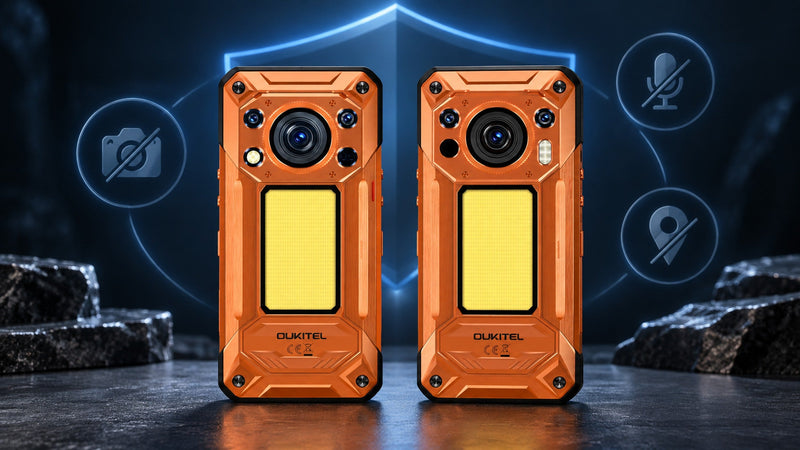
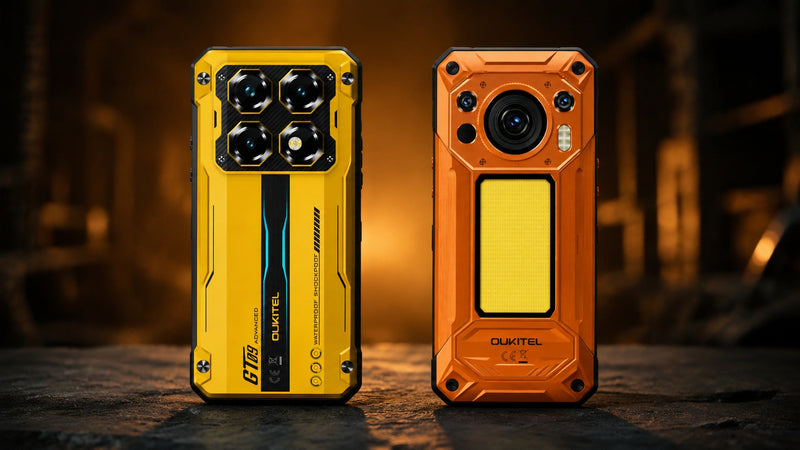
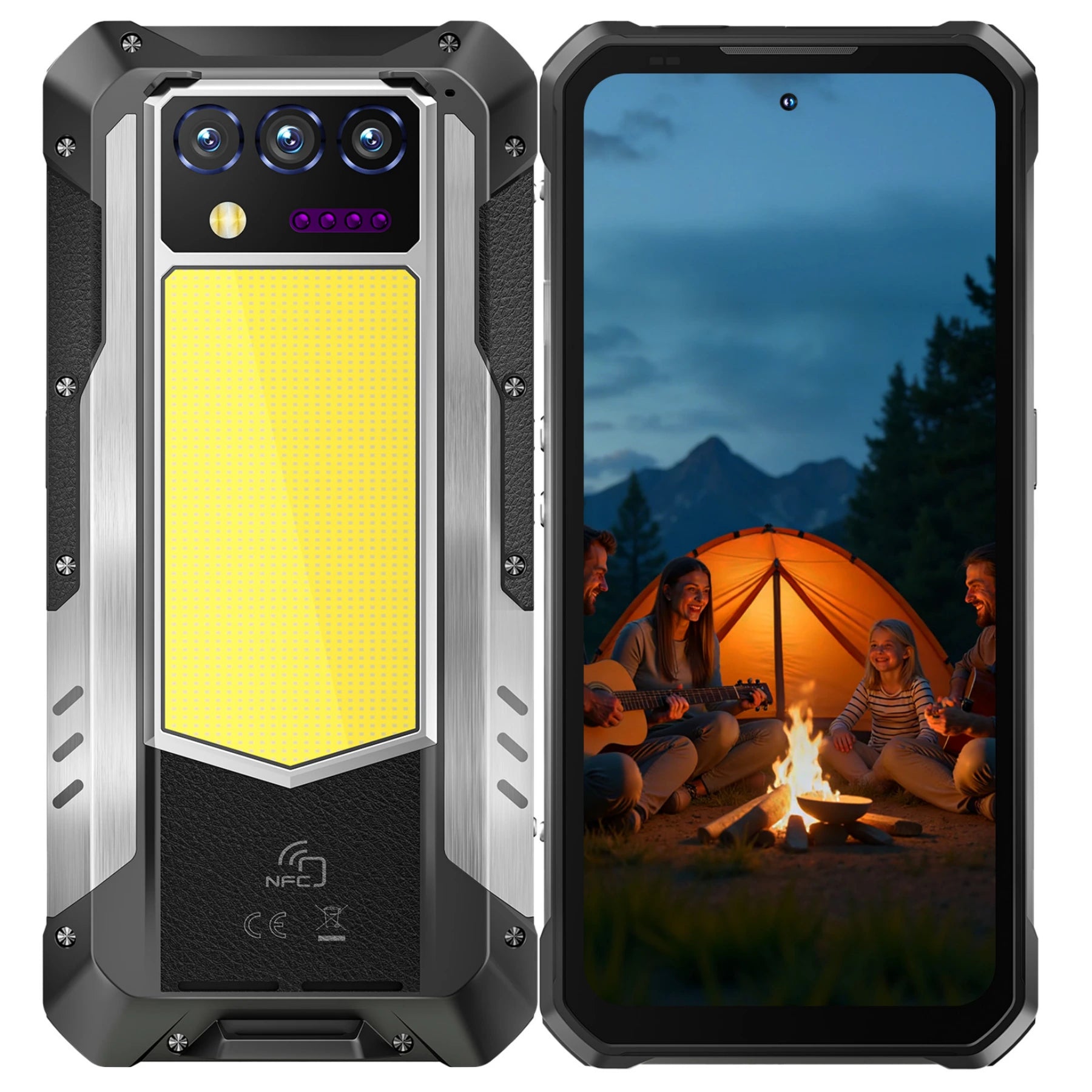
Can I use a rugged phone with a thermal camera, like the OUKITEL WP55 Ultra, for mold inspection?
The short answer:
Thermal imaging doesn’t detect mold directly but it detects the conditions that cause mold, making it a powerful early-warning tool.
This complete 2026 guide explains how thermal imaging works for mold detection, how to use a thermal imaging phone like the OUKITEL WP55 Ultra, and why this technology is increasingly popular in home inspections, real estate, HVAC, plumbing, and building maintenance.
Can Thermal Imaging Detect Mold?
Thermal imaging is widely used in professional building inspections as a screening tool for moisture-related mold risks.
Thermal cameras cannot detect mold directly.
However, they can detect:
- Hidden moisture
- Water leaks
- Condensation
- Temperature differences
- Insulation failures
- Cold spots behind walls
These issues are often early indicators of mold growth. Since moisture is the primary cause of mold, thermal imaging helps detect it before it leads to costly damage. The thermal camera highlights:
- Cooler blue/purple areas (wet regions)
- Warmer patterns (heat from leaks, insulation gaps)
This makes thermal imaging a powerful screening tool for mold detection.
How Thermal Imaging Helps Identify Mold issues

Thermal imaging helps identify potential mold growth by detecting moisture-related temperature differences.
Here’s how it works:
Detecting Hidden Moisture
Moisture evaporates and cools surfaces, creating a thermal pattern.
Common signs include:
- Cold, damp patches on drywall
- Moist areas around windows
- Leaking roof sections
- Wet basement walls
- Damp spots under flooring
The OUKITEL WP55 Ultra’s thermal imaging sensor can instantly reveal these anomalies.
Spotting Plumbing Leaks Inside Walls
Leaking pipes cool surrounding drywall or flooring.
Thermal imaging helps identify:
- Hot water leaks
- Cold water leaks
- Radiant heating issues
- Pipe sweating
This allows immediate repair before mold spreads.
Finding Roof Leaks
Roof infiltration is a top source of mold.
Thermal imaging detects:
- Damp insulation
- Wet ceiling beams
- Cold streaks caused by water movement
This is especially useful in large buildings or attics.
Discovering Poor Insulation or Ventilation
Poor insulation leads to cold surfaces that cause condensation in a mold-friendly environment.
Thermal cameras highlight:
- Missing insulation
- Cold exterior walls
- Air leaks
- HVAC issues
Identifying Temperature Imbalances
Thermal imaging visualizes thermal bridges and temperature anomalies areas where mold thrives due to condensation.
Mapping Areas for Further Testing
Thermal imaging assists professionals by pinpointing areas for further testing, such as:
- Take moisture readings
- Open walls
- Apply mold treatment
- Conduct remediation
It improves accuracy and reduces unnecessary damage.
Why the OUKITEL WP55 Ultra Is Useful for Mold Detection

The OUKITEL WP55 Ultra is a rugged smartphone that integrates thermal imaging capabilities, making it perfect for field-based mold inspections. Key features include:
- Built-in thermal imaging camera
- 108MP triple camera system
- 11,000mAh battery for long inspection sessions
- IP68 / IP69K / MIL-STD-810H durability
- 5G performance
- Android 15 with advanced processing
These features make it ideal for various professionals, including home inspectors, contractors, HVAC professionals, plumbers, and DIY homeowners.
How to Use Thermal Imaging for Mold Detection (Step-by-Step)

Below is a simple inspection process using a thermal imaging phone like WP55 Ultra.
Step 1: Slowly Scan the Room
Move the camera methodically around:
- Walls
- Ceilings
- Window frames
- Corners
- Baseboards
- Near plumbing areas
Look for temperature differences.
Step 2: Examine Suspected Cold Spots
Cold areas appearing under normal indoor temperatures may indicate:
- Moisture
- Air leaks
- Damp insulation
- Condensation
Step 3: Compare Opposite Sides of Walls
If one side shows cool temperatures while the other is normal, moisture is likely present.
Step 4: Test Around Plumbing Fixtures
Inspect:
- Behind toilets
- Under sinks
- Behind showers
- Along pipe routes
Leaks often display as elongated cool patterns.
Step 5: Check Ceilings for Roof Leaks
Look for:
- Cold streaks
- Circular cool patches
- Irregular shapes
Sometimes roof leaks travel along beams before revealing themselves.
Step 6: Scan Exterior Walls
Exterior condensation patterns may reveal poor insulation or water infiltration.
Step 7: Document Everything
Use the WP55 Ultra’s camera system to capture:
- Thermal images
- RGB images
- Notes for contractors or clients
Instantly upload findings via 5G.
Advantages of Using a Thermal Imaging Phone vs. Traditional Tools
No Need for Drilling or Cutting Walls
Thermal imaging is non-invasive.
Faster Than Manual Moisture Mapping
Instant temperature visualization.
Portable & Always in Your Pocket
A rugged phone replaces multiple tools.
More Affordable Than Dedicated Thermal Cameras
Yet highly effective for early mold detection.
Useful Beyond Mold
Detects electrical overheating, HVAC issues, insulation gaps, pests, etc.
When to Use Thermal Imaging for Mold Detection
Thermal imaging is most effective when:
You smell mold but don’t see it
You suspect water damage
You want to catch mold early
You’re buying or selling real estate
You’re inspecting rental or commercial property
After storms, leaks, or flooding
During annual maintenance checks
Thermal Imaging for Mold Detection in Cold Regions like Buffalo, NY
In cold-climate regions like Buffalo, NY, mold risks are often seasonal and harder to detect visually.
Buffalo, NY experiences:
- Harsh winters
- Humidity fluctuations
- Frozen pipes
- Roof ice dams
- Basement moisture issues
These conditions make thermal imaging especially useful in the region.
Using a rugged phone, such as the WP55 Ultra, can help identify and timely reduce the risk of property loss caused by the harsh weather in Buffalo.
Best Practices for Accurate Mold Detection with Thermal Imaging
Allow room temperature to stabilize
Use the device after rainfall or plumbing usage
Check both sides of problem areas
Combine with visual inspection
Use moisture meters for confirmation
Capture both thermal and standard images
Accuracy improves when thermal imaging is part of a multi-step inspection process.
Frequently Asked Questions
Can thermal imaging detect mold directly?
No, it detects temperature changes associated with moisture.
Is thermal imaging reliable for mold detection?
Yes, it’s excellent for locating moisture issues that lead to mold.
Can the WP55 Ultra detect mold?
It detects thermal anomalies (cold/wet areas) that signal mold presence.
Do you need professional tools?
For full diagnosis, moisture meters or lab tests may be needed.
Why use a rugged phone for mold inspection?
Durability, mobility, long battery life, and integrated thermal imaging.
Conclusion
Thermal imaging is one of the fastest, safest, and most efficient ways to detect moisture issues that lead to mold.
While it cannot “see mold,” it helps identify:
- Water leaks
- Condensation
- Dampness
- Poor insulation
- Plumbing failures
The OUKITEL WP55 Ultra rugged thermal imaging phone is an excellent tool for homeowners, inspectors, contractors, and real estate professionals who want reliable, field-ready detection technology.



Leave a comment
Your email address will not be published. Required fields are marked *