


YouTube is one of the most used apps on Android smartphones for entertainment, learning, music, tutorials, and daily updates. So when it suddenly stops working, buffers endlessly, crashes, freezes, or refuses to open, the frustration is real.
If you've been asking:
-
Why is YouTube not working on my phone?
-
Why is YouTube not working on my Android phone?
-
Why is YouTube not working on my rugged phone?
don’t worry. In most cases, the issue is small and easy to fix.
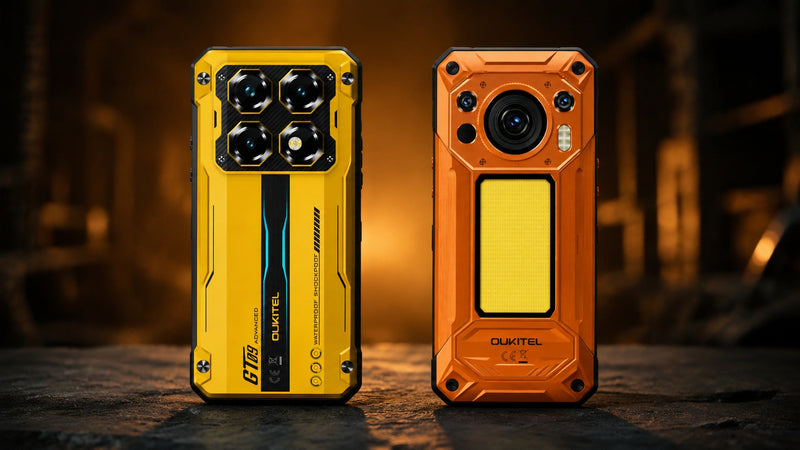
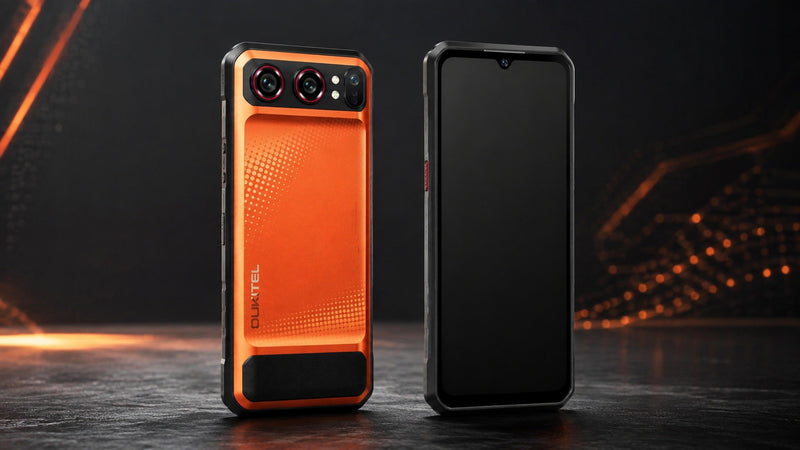
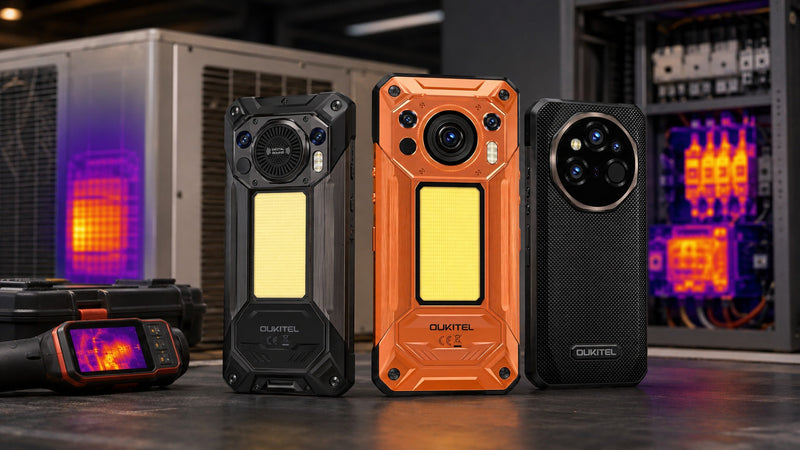
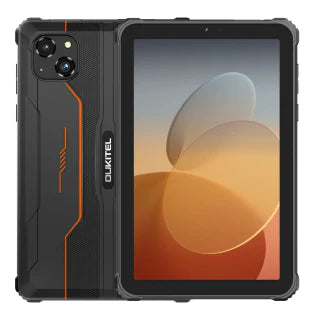
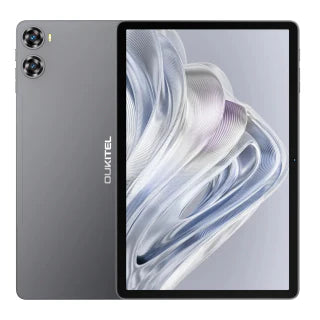
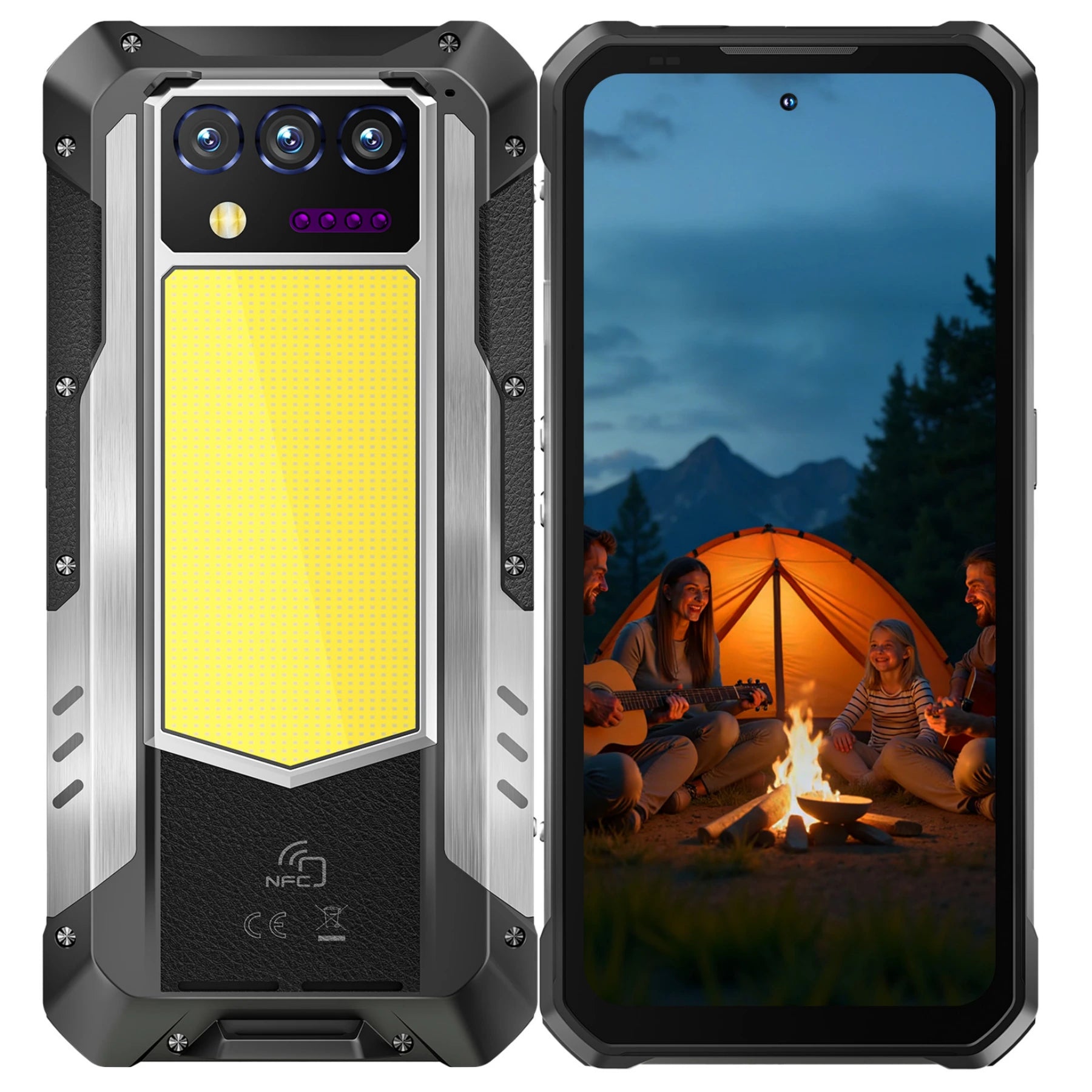
Whether you’re using a mainstream Android phone or a rugged device like the OUKITEL WP60, WP56, WP55 Ultra, WP210, WP33 Pro, or any model from the OUKITEL rugged lineup, this guide will walk you through 12 simple, reliable solutions to get YouTube working again.
12 Easy Fixes When YouTube Is Not Working on Your Phone
Let’s go step-by-step.
Fix 1: Check Your Internet Connection (Most Common Issue)
YouTube needs a stable connection. Test your connection:
-
Open Google
-
Play another online video
-
Switch from Wi-Fi to mobile data
-
Move closer to your router
Rugged phones like the OUKITEL WP210 with 5G connectivity can automatically solve many streaming issues by providing faster, more stable data speeds.
Fix 2: Restart the YouTube App
A simple restart can resolve minor glitches.
Steps:
-
Open Recent Apps
-
Swipe away YouTube to close it
-
Reopen the app
If YouTube freezes or becomes blank, this refresh usually helps.
Fix 3: Restart Your Phone
A classic fix and surprisingly effective.
Restarting clears temporary system errors, frees RAM, and restarts Google services.
On rugged phones with large memory (like WP210’s up to 36GB RAM), restarts are fast and smooth.
Fix 4: Clear YouTube App Cache & Data
Corrupted cache files often cause loading, buffering, and crashing issues.
Steps:
-
Go to Settings → Apps
-
Select YouTube
-
Tap Storage & Cache
-
Tap Clear Cache
-
If still not working, tap Clear Data
Clearing data resets your YouTube settings but keeps your account safe.
Fix 5: Update YouTube to the Latest Version
An outdated app can break functionality.
To update:
-
Open Google Play Store
-
Search for YouTube
-
Tap Update
If you see no update option, YouTube is already current.
Rugged phones like OUKITEL models run up-to-date Android versions (Android 15), making them compatible with the latest YouTube builds.
Fix 6: Update Google Play Services
YouTube depends heavily on Google Play Services. If this background service is outdated or corrupted, YouTube may stop working entirely.
Steps:
Go to Settings → Apps → Google Play Services → App details → Update.
Fix 7: Update Your Android System
System issues can break YouTube playback or cause app crashes.
To update:
Settings → System → System Update
OUKITEL rugged phones receive regular updates that improve app stability and compatibility.
Fix 8: Check Storage Space
YouTube needs storage for:
-
Cached videos
-
Thumbnails
-
Cookies
-
App data
If your phone is full, YouTube may stop loading.
Steps:
Settings → Storage Delete unnecessary files, apps, or downloads.
Phones like OUKITEL WP210 with 512GB storage rarely face such issues, but checking storage is still helpful.
Fix 9: Check Date & Time Settings
Google services malfunction when your time zone is incorrect.
Set automatically:
Settings → System → Date & Time → Automatic
This simple adjustment solves many “YouTube not working on my phone” issues.
Fix 10: Disable VPN, Proxy, or Ad-Blockers
VPNs and proxies can block region-restricted videos or break app connections.
Ad-blockers may prevent YouTube from loading certain services.
Disable these temporarily:
-
Turn off VPN
-
Turn off Private DNS
-
Disable proxy settings
Then reopen YouTube.
Fix 11: Turn Off Battery Saver or Data Saver
These modes limit background services, throttling YouTube.
Turn off:
Settings → Battery → Battery Saver → Off Settings → Network → Data Saver → Off
Rugged phones like WP56 or WP33 Pro with large batteries (16,000–22,000mAh) rarely need battery saver modes but if enabled, they can interrupt YouTube playback.
Fix 12: Uninstall & Reinstall YouTube
If all else fails:
-
Uninstall updates from YouTube
-
Restart phone
-
Reinstall YouTube from the Play Store
This returns the app to a clean state.
Bonus Fix: Try YouTube in the Browser
Sometimes the YouTube app fails, but the browser works fine.
Open Chrome or your default browser:
Visit m.youtube.com
If the site loads normally, the issue is app-specific, not device-related.
Why YouTube Problems Are Less Common on OUKITEL Rugged Phones

OUKITEL rugged phones combine strong hardware, clean software, and high network reliability all factors that lead to smoother YouTube performance.
Strong Processors
Models like WP210 (MTK Dimensity 8200) and WP56 (Dimensity 7050) provide stable video playback.
Large RAM
Up to 36GB–48GB RAM expansion ensures smooth app switching and streaming.
Big Batteries
Long viewing time without unexpected shutdowns.
5G Connectivity
Fast video loading even outdoors or on job sites.
Clean Android
Minimal bloatware reduces app conflicts.
Durable Build
Rugged designs prevent overheating or hardware malfunctions, which can indirectly cause YouTube issues.
OUKITEL phones are built for real-world usage construction sites, hiking trails, warehouses, and more so performance, including YouTube playback, remains stable.
Frequently Asked Questions
Why is YouTube not working on my phone?
Common reasons include internet issues, outdated apps, corrupted cache, or system errors.
Why is YouTube not loading videos?
Slow internet, incorrect time settings, VPN conflicts, or low storage.
Why does YouTube keep crashing?
Outdated app versions or corrupted data files.
Does YouTube require Google Play Services?
Yes, disabling Play Services will break YouTube functionality.
Will factory reset fix YouTube problems?
Yes, but only as a last resort.
Conclusion
If YouTube is not working on your phone in 2026, the issue is usually simple and temporary. Start with the basics:
-
Check network
-
Update apps
-
Clear cache
-
Restart device
-
Check Google Play Services
On rugged OUKITEL phones optimized for outdoor and heavy-duty use YouTube typically works reliably due to powerful hardware and clean Android design.


Leave a comment
Your email address will not be published. Required fields are marked *