
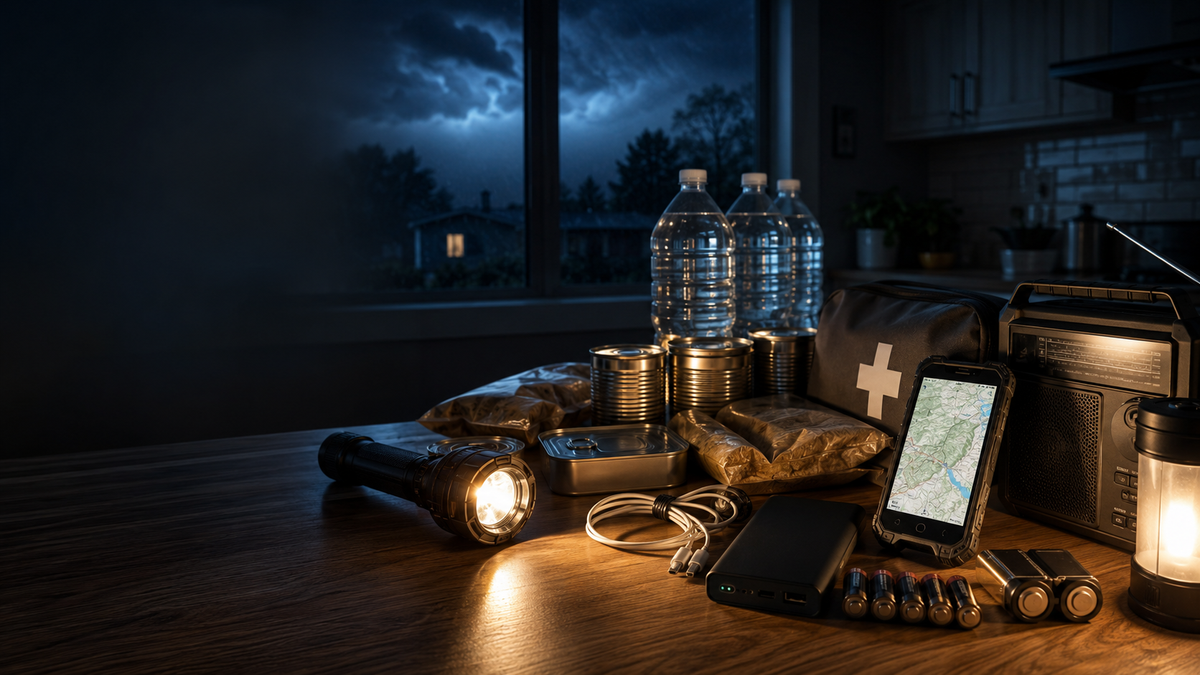
Power outage essentials should keep your household safe, preserve food and medicine, and maintain communication until electricity returns. What you need depends on outage length, weather, household size, and whether anyone relies on powered medical equipment. A practical kit combines basic supplies, backup charging, offline information, and a clear point at which staying home becomes unsafe.
Power Outage Essentials Checklist
Build the kit around health and communication first, then add enough supplies for the outage length that is realistic in your area.

Basic Safety and Household Supplies
Keep these items together in a dry, easy-to-reach place, with enough for everyone in the household. Plan for a several-day supply and store at least one gallon of water per person per day for three days.
- Drinking water
- Shelf-stable food
- Manual can opener
- Flashlights and headlamps
- Extra batteries
- First aid supplies
- Prescription medication
- Hygiene products
- Blankets and warm clothing
- Cash and important documents
- Supplies for children, older adults, and pets
Choose food that can be eaten without cooking, and check the storage instructions for any medication that requires refrigeration. Add pet food, mobility supplies, baby items, or other household-specific essentials based on who lives in the home.
Backup Power and Communication Essentials
Plan separately for device charging and for receiving information when internet or cellular service is unavailable. Power banks can keep phones and other low-power communication devices running, while appliances and medical equipment require a correctly sized and approved backup source.

- Fully charged smartphone
- Power banks
- Portable power station
- Compatible charging cables
- Car charger
- Battery-powered or hand-crank radio
- Printed emergency contacts
- Offline maps
- Local utility information
Keep each cable with the device it supports. Before connecting medical equipment to a portable power station, confirm the required output, expected runtime, and approved backup method with the device manufacturer, equipment supplier, or healthcare provider.
How to Prepare Before a Power Outage
Preparation should reduce last-minute decisions and address anything that takes time to arrange before the lights go out.
Charge and Test Essential Devices
Charge phones, power banks, rechargeable lights, radios, and portable power stations before severe weather or planned utility work. Test them under normal use because an aging battery may show full charge but drain quickly. Confirm that every cable and adapter works with its assigned device.
Save Emergency Contacts and Utility Information
Save the utility outage number, nearby hospitals, insurance contacts, medical providers, and an out-of-area family contact. Keep a printed copy with any account number or service address needed to report an outage. Paper records remain available when a phone is damaged, locked, or being reserved for emergencies.
Download Offline Maps and Important Documents
Download maps for hospitals, shelters, fuel stations, charging locations, and at least two evacuation routes. Store identification, insurance details, medication lists, and emergency plans in an encrypted offline folder, with paper copies of critical documents. Remember that offline maps may not show new road closures, floods, or fires.
Create a Family Communication and Evacuation Plan
Choose one meeting place near home and another outside the neighborhood. Assign responsibility for children, pets, medication, chargers, and documents, and select an out-of-area contact who can relay messages. Agree in advance on the conditions that would trigger evacuation.
Prepare for Medical and Household-Specific Needs
List everything that depends on electricity, including refrigerated medicine, oxygen equipment, CPAP machines, mobility devices, well pumps, elevators, and electronic building access. Ask healthcare providers or equipment suppliers about approved backup options. Critical medical equipment needs dedicated power and an early relocation plan, not a standard phone charger.
What to Do When the Power Goes Out
Protect people first, then preserve food, batteries, and electronics without creating fire, electrical, or carbon monoxide risks.

Confirm and Report the Power Outage
Check whether nearby homes and streetlights are also dark, then contact your utility or review its outage page if internet access is available. Report downed lines, sparks, smoke, or damaged equipment without approaching them. If only your home is affected, inspect the breaker panel only when the area is dry and shows no electrical damage.
Keep Refrigerators and Freezers Closed
Keep refrigerator and freezer doors closed as much as possible. An unopened refrigerator keeps food cold for about four hours, while a full freezer holds its temperature for about 48 hours, or 24 hours when half full. Use an appliance thermometer when available, and discard perishable food that has been above 40°F for two hours or longer rather than relying on smell, appearance, or taste.
Avoid Carbon Monoxide and Fire Hazards
Run portable generators outdoors only, at least 20 feet from the home, with exhaust directed away from windows, doors, and vents. Never place one in a house, garage, basement, shed, carport, or partly enclosed area. Carbon monoxide alarms add protection but cannot make unsafe generator use acceptable.
Unplug Electronics to Prevent Surge Damage
Unplug computers, televisions, gaming systems, and other sensitive electronics. Leave one lamp switched on so you know when service returns, then reconnect devices gradually after power stabilizes. Repeated flickering, burning odors, or another outage may require help from the utility or an electrician.
Conserve Phone and Backup Battery Power
Turn on battery saver, lower brightness, shorten screen timeout, and stop unnecessary background activity.Disable Bluetooth and hotspots when they are not needed, and turn off location services only when you are not actively navigating or sharing your location. Favor short texts over long calls. Reserve stored power for alerts, communication, navigation, lighting, and medical coordination.
Monitor Weather and Emergency Alerts
Check official alerts, utility updates, local radio, and weather information at set intervals rather than refreshing continuously. This preserves battery while keeping you informed about restoration estimates, shelters, and evacuation notices. Act promptly when an outage is linked to wildfire, flooding, extreme temperatures, or another fast-moving hazard.
How the OUKITEL WP68 Air Supports Emergency Preparedness
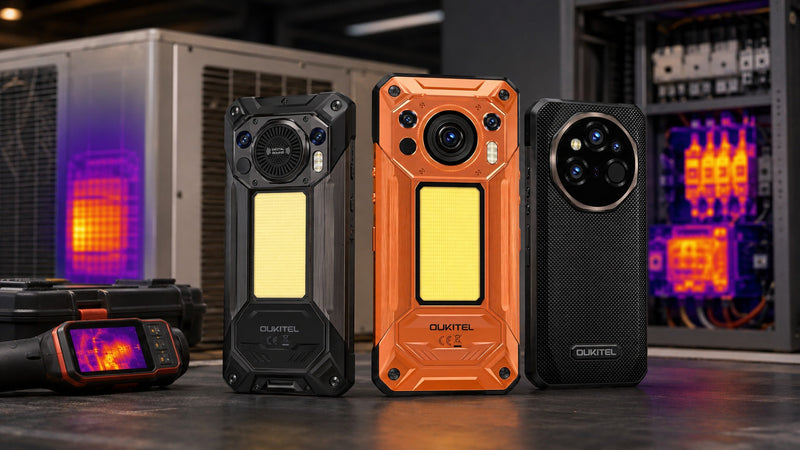
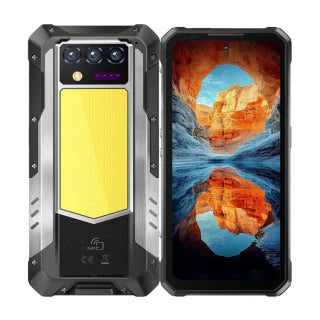
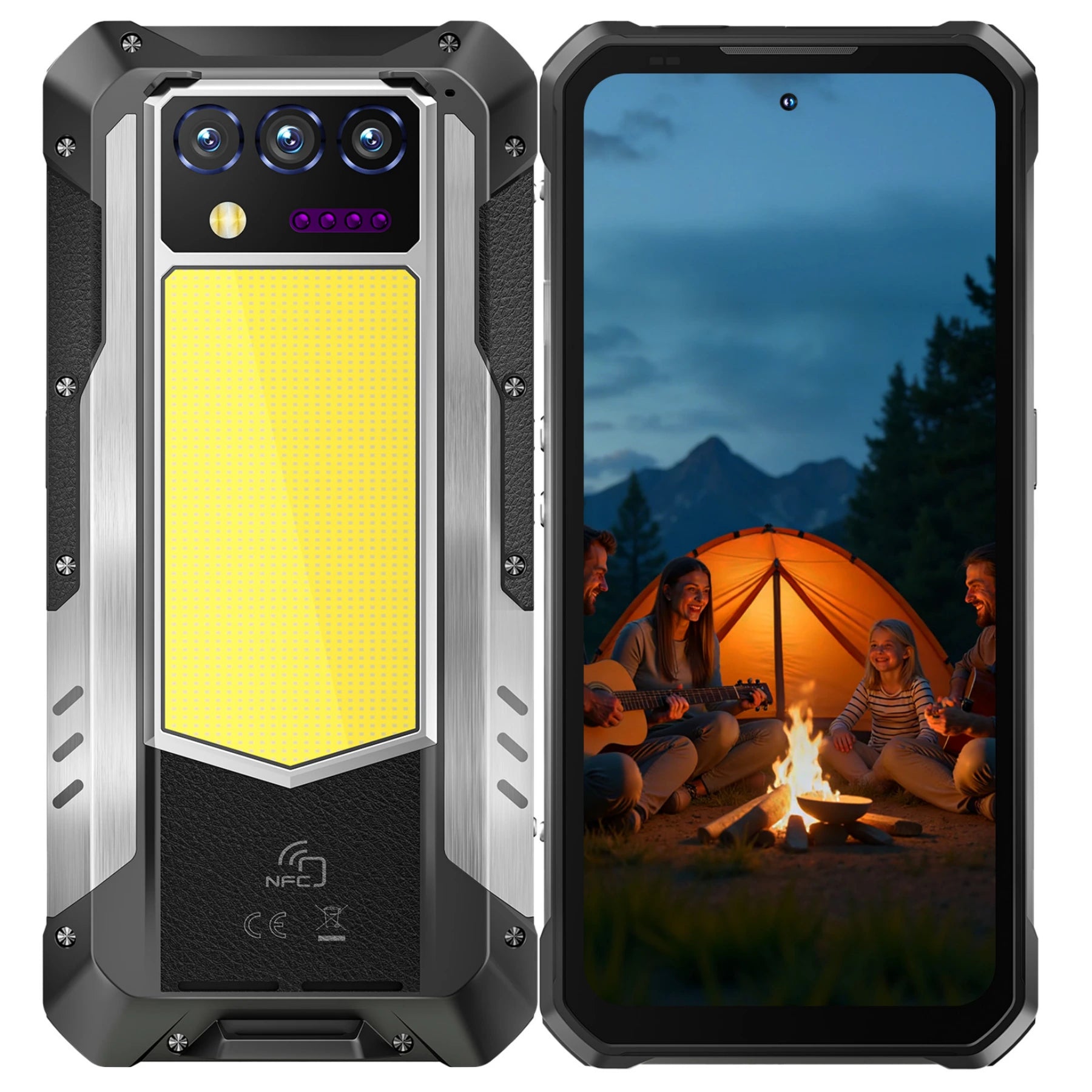
A phone cannot replace food, water, medical backup, or safe heating, but a well-equippedrugged phonecan make communication and navigation easier during a difficult outage.
8000mAh Battery for Extended Power Outages
The WP68 Aircomes with an 8000mAh battery and offers up to 1,025 hours of standby time under test conditions. Actual runtime during a power outage will vary with signal strength, screen brightness, temperature, navigation, camera use, and other activity. Turn on battery saver early and reserve power for emergency alerts, messages, offline maps, and essential calls.
45W Fast Charging for Faster Power Recovery
Fast charging is most useful when access to a generator, vehicle outlet, portable power station, or working socket is brief. The WP68 Air supports 45W charging, helping it recover useful battery capacity during that limited window. Keep a compatible charger and cable in the kit, since charging speed depends on the equipment and conditions.
Reverse Charging for Compatible Small Devices
Reverse charging can give another compatible small device enough power for an urgent message or short task. It also reduces the phone’s own runtime and loses some energy during transfer. Use a dedicated power bank first, and treat the phone as a backup source rather than the household’s main charger.
IP68, IP69K, and MIL-STD-810H Rugged Protection
Power outages caused by storms can expose your phone to rain, dust, debris, and accidental drops. With IP68, IP69K, and MIL-STD-810H rugged protection, the WP68 Air is better prepared for outdoor checks, emergency travel, and other demanding conditions during an outage. Keep the ports covered in wet or dusty environments and avoid unnecessary exposure to deep water or heavy impacts.
Offline Navigation When Internet Access Is Unavailable
Downloaded maps can keep navigation available when mobile data is slow or unavailable. The WP68 Air supports GPS, GLONASS, BeiDou, and Galileo for routes to shelters, hospitals, meeting points, or alternate roads. Download the correct region beforehand and keep a paper map because offline routes may miss active hazards.
Night Vision Support in Low-Light Conditions
The 8MP night vision camera with infrared fill light can help you inspect nearby equipment, read labels, or document damage in low light. It is useful for brief checks around a dark room, vehicle, or property. Keep a flashlight or headlamp as your main light source, especially when walking near debris or electrical hazards.
Regular Maintenance for Your Power Outage Kit
Batteries drain, food expires, cables fail, and household needs change. A simple schedule keeps the kit usable without requiring a complete inspection every month.
Power Outage Kit Maintenance Schedule
What to Check |
Recommended Frequency |
Maintenance Action |
Food, water, and medication |
Every 6 months |
Check expiration dates and storage conditions. Replace self-filled water, and follow package or prescription guidance for other items. |
Phones and power banks |
Every 1–3 months |
Recharge them and confirm that the batteries still hold a useful charge. |
Flashlights and radios |
Every 3 months |
Test each device and replace weak, damaged, or leaking batteries. |
Charging cables and adapters |
Every 6 months |
Check for damage and confirm that they still work with your devices. |
Emergency contacts and documents |
Every 6–12 months |
Update phone numbers, addresses, medication lists, and document copies. |
First aid and household supplies |
Every 6 months |
Replace expired, damaged, used, or missing items. |
Seasonal supplies |
Before each major weather season |
Add supplies needed for extreme heat, cold, storms, or evacuation. |
Family emergency plan |
Once a year |
Review responsibilities, meeting points, communication methods, and evacuation routes. |
FAQ
These questions help adapt a basic kit for longer outages, limited space, weak cellular service, and changing safety conditions.
How Many Days Should a Power Outage Kit Cover?
A power outage kit should cover at least three days, while remote or storm-prone areas may need a longer supply. The CDC suggests storing up to two weeks of water when space and budget allow.
Are Solar Chargers Useful During Extended Power Outages?
Solar chargers can help during multi-day outages when sunlight is reliable and you only need to charge small devices. Output varies with cloud cover, panel size, positioning, and daylight, so pair one with charged power banks rather than relying on it alone.
How Can You Communicate If Cellular Service Is Unavailable?
Use a battery-powered or hand-crank radio for official updates and follow your planned meeting points and out-of-area contact process. Printed numbers, addresses, and shelter information remain useful when apps cannot connect. Set up emergency satellite messaging beforehand when your device and region support it.
How Should Apartment Residents Prepare for a Power Outage?
Apartment residents should prioritize compact water and food storage, battery lighting, power banks, and a plan for stairs or electronic doors. Never run a portable generator inside an apartment, hallway, garage, balcony, or anywhere close to windows and vents. Ask building management how elevators, water pumps, access systems, emergency lighting, and alarms work without grid power.
When Should You Leave Home During an Extended Power Outage?
Leave when staying creates greater risk than relocating, including unsafe heat or cold, failing medical equipment, fire or flood danger, an evacuation order, or no safe water. Set these thresholds in advance for children, older adults, pets, and people with health conditions. Act before phone batteries, fuel, or road conditions deteriorate.
Conclusion
The best power outage essentials are matched to your household, outage risks, and essential devices. A kit is ready when the supplies are current, the backup equipment works, and everyone understands the communication and evacuation plan. Start with water, food, medication, lighting, and reliable ways to receive information, then choose backup power based on what must remain available. TheOUKITEL WP68 Air can support communication, offline navigation, and low-light checks as part of that broader emergency plan.






Leave a comment
Your email address will not be published. Required fields are marked *