


If your phone battery is dying fast, the cause is usually not a single problem. Background apps, screen brightness, battery age, weak signal, and heavy use can all drain power quickly. The good news is that many battery issues can be improved with a few simple settings.
This guide explains the common causes of fast phone battery drain, how to fix them, and how to keep your battery healthier for longer.
Why Is My Phone Battery Dying So Fast?
Fast battery drain does not always mean your phone is broken. In many cases, your phone is simply using more power than usual.
The table below gives you a quick way to identify the most likely cause.
|
Common Cause |
What Happens |
Quick Fix |
|
Background apps |
Apps refresh, sync, or track location when not in use |
Limit background refresh and location access |
|
High screen brightness |
The display uses more power, especially outdoors |
Lower brightness and shorten screen timeout |
|
Old battery |
The battery drains faster or shuts down early |
Check battery health or consider replacement |
|
Heavy usage |
Gaming, GPS, video, 5G, and hotspot use drain power fast |
Use battery saver or recharge during heavy tasks |
Background Apps
Some apps keep running in the background to refresh data, send notifications, or track location. Social media, email, weather, fitness, cloud backup, and navigation apps can all drain power if they stay active too often.

High Screen Brightness
The screen is one of the biggest battery users on a phone. High brightness, long screen timeout, always-on display, and high refresh rate settings can make the battery drop faster, especially outdoors.
Old Battery
Phone batteries lose capacity over time. If your phone is several years old, drains quickly, shuts down early, or heats up easily, battery aging may be the main reason it no longer lasts all day.
Heavy Usage
Gaming, video streaming, video calls, GPS navigation, hotspot use, camera recording, and 5G data all use a lot of power. If the battery only drains fast during these tasks, the phone may simply be under heavy load.
How to Stop Your Phone Battery from Dying So Fast
Start with the apps and settings that use the most power. Small changes can often make a clear difference.
Check Battery Usage
Open your phone’s battery settings and check which apps use the most power. If an app appears near the top even though you rarely use it, it may be running too much in the background.
This helps you fix the real problem instead of changing random settings.
Lower Screen Brightness
Lowering screen brightness is one of the easiest ways to save battery. You can also shorten screen timeout, turn off always-on display, or reduce refresh rate if your phone supports it.
Adaptive brightness can help, but in bright outdoor conditions, manual adjustment may save more power.
Limit Background Refresh
Turn off background refresh for apps that do not need constant updates. Keep it on for important tools such as messaging, email, banking alerts, or work apps.
Also review location permissions. For most apps, “while using the app” is enough.
Update or Remove Draining Apps
If one app suddenly drains battery, update it first. App updates often fix battery bugs.
If the issue continues, clear the cache, limit permissions, or remove the app if you no longer need it. Unused apps can still create background activity and notifications.
Use Battery Saver Mode
Battery saver mode reduces background activity, visual effects, and performance to extend runtime. It is useful during travel, outdoor work, long commutes, or emergencies. You can turn it on manually or set it to start automatically when the battery reaches a certain level.
Consider a Long Battery Life Phone
If your battery keeps dying fast because of heavy daily use, changing settings may not be enough. Outdoor work, navigation, gaming, long video sessions, and frequent travel can drain a standard phone quickly.
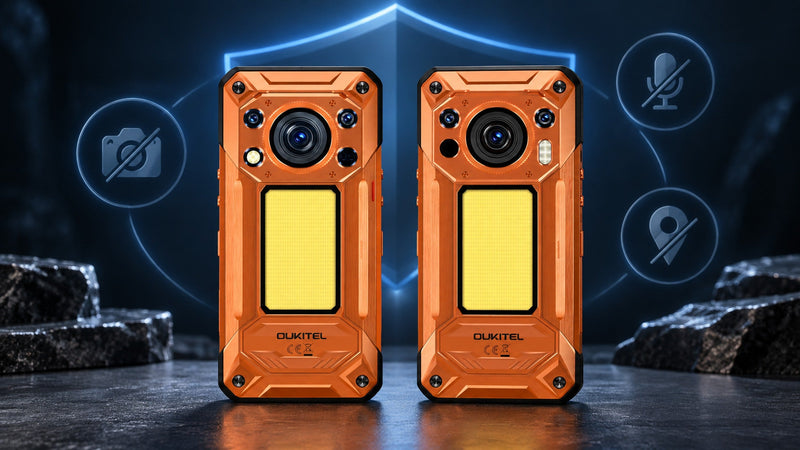
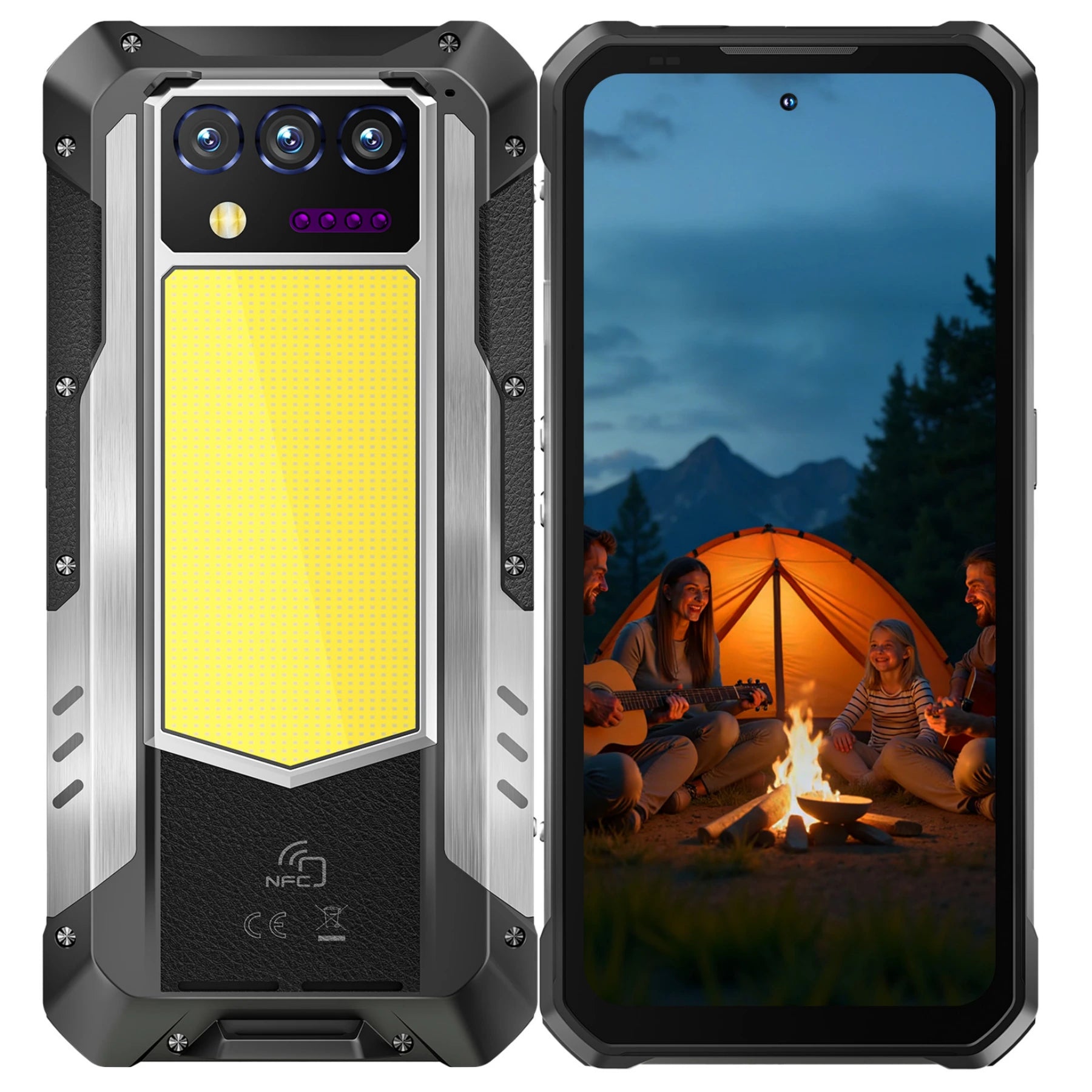
In that case, a long battery life phone may be more practical. The OUKITEL WP500 5G Rugged Phone is built for users who need more runtime in demanding situations. Key features include:
- 10,000mAh battery for longer daily use
- 45W fast charging to reduce downtime
- 6.78-inch FHD+ 120Hz display
- MediaTek Dimensity 8300 processor
- 12GB RAM and 1TB storage
For field workers, travelers, drivers, and outdoor users, a larger battery can reduce the need to carry a charger or constantly watch the battery percentage.
How to Keep Your Phone Battery Healthy
Battery life is about daily runtime. Battery health is about how well the battery holds capacity over time.

Avoid Extreme Temperatures
Heat can shorten battery lifespan, so avoid leaving your phone in direct sunlight, inside a hot car, or under a pillow while charging. Cold weather may reduce performance temporarily, but heat is more likely to cause lasting damage.
Use Reliable Chargers
Use a reliable charger and cable that match your phone. Cheap or damaged chargers may create heat, charge slowly, or deliver unstable power. If the phone gets hot while charging, remove the case and avoid heavy use.
Avoid Frequent Full Drains
You do not need to drain your phone to 0% before charging. Charging before the battery gets extremely low can reduce stress on the battery over time.
Keep Software Updated
Software updates often include battery and performance improvements. Keeping your phone and apps updated can help prevent bugs that cause unnecessary background drain.
FAQ
Is it bad to leave your phone charging overnight?
It is usually safe if you use a reliable charger and your phone has modern charging protection. However, avoid charging in hot places or under blankets and pillows. If your phone supports optimized charging, turn it on.
Does fast charging damage my phone battery?
Fast charging does not automatically damage the battery. The main issue is heat. Use a compatible charger and avoid heavy phone use while charging if the device gets hot.
Should I close all apps to save battery?
Not all apps need to be closed. Modern phones manage background apps automatically. It is better to close apps that are frozen, using GPS, uploading files, or clearly draining power in the battery report.
How many years should a phone battery last?
Many phone batteries last about two to three years before clear capacity loss appears. Heavy use, heat, and poor charging habits can make the battery age faster.
Does poor Wi-Fi affect phone battery life?
Yes. Weak Wi-Fi or poor cellular signal can make your phone use more power while searching for a stable connection. This is common during video calls, streaming, hotspot use, and navigation.
Conclusion
A phone battery usually dies fast because of background apps, high screen brightness, aging battery cells, or heavy use. Start by checking battery usage, then adjust the apps and settings that consume the most power.
If your daily routine includes outdoor work, travel, navigation, gaming, or long hours away from a charger, a long battery life phone may be a better fit than relying on settings alone.




Leave a comment
Your email address will not be published. Required fields are marked *