
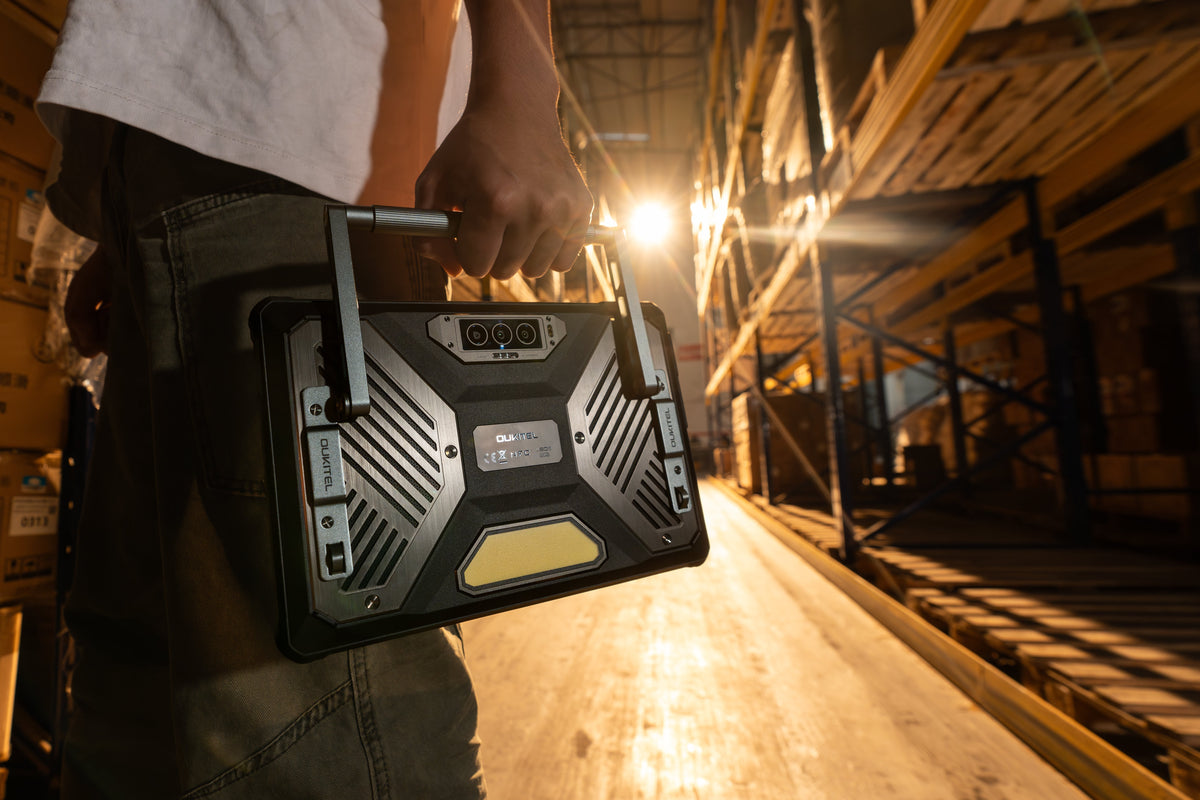
Checking drawings, reports, or site details on a phone can slow field teams down. The screen is small, the battery drains quickly, and regular devices are not built for dust, rain, drops, or rough handling. A rugged tablet gives construction workers and outdoor crews a larger, tougher way to view plans, record jobsite data, and stay connected where standard tablets may not last.
Why Field Work and Construction Teams Need Rugged Tablets

Field work and construction teams need rugged tablets for military field service because jobsite work often happens in conditions that regular devices are not designed for. A team may need to check drawings beside equipment, complete inspection forms in dusty areas, take progress photos in changing weather, or send updates from locations without stable Wi-Fi.
A rugged tablet helps keep these tasks on-site instead of pushing them back to the office. That can reduce delays, protect work records, and make daily communication easier for crews moving between vehicles, outdoor zones, and active work areas.
What Makes a Rugged Tablet Reliable for Jobsite Use?

A reliable rugged tablet should handle daily jobsite pressure without slowing down field work. It needs strong physical protection, weather resistance, and a design built for workers who move between vehicles, outdoor areas, equipment, and active construction zones.
Drop and Shock Resistance
Drop and shock resistance helps protect the tablet when it falls from a hand, toolbox, vehicle seat, or work surface. This is important on jobsites where devices are often carried while walking, climbing, or moving between tasks.
IP Ratings for Water and Dust Protection
IP ratings show how well a rugged tablet can resist dust and water. For construction and field work, this matters because tablets may be exposed to rain, mud, concrete dust, sand, or dirty work areas.
MIL-STD Testing for Harsh Conditions
MIL-STD testing helps show whether a tablet is built for tougher use conditions, such as vibration, temperature changes, drops, or rough handling. It gives buyers another way to judge durability beyond appearance.
Reinforced Design for Daily Jobsite Handling
A reinforced design makes the tablet easier to trust during everyday jobsite use. Features like stronger corners, sealed ports, durable casing, and grip-friendly edges help the device survive repeated handling in demanding work environments.
What to Look for in a Rugged Tablet for Outdoor Field Work
The best rugged tablet for outdoor field work should stay readable, responsive, connected, and powered through long shifts. Field teams often work in bright sunlight, wet conditions, dusty areas, or remote locations, so the tablet needs to support real on-site use instead of only basic office tasks.
Sunlight-Readable Display
A sunlight-readable display is important when workers need to check maps, drawings, forms, or task updates outdoors. A brighter screen helps reduce glare and makes details easier to see without constantly moving into shade.
For field work, this is especially useful for:
- Checking site plans outdoors
- Reading forms during inspections
- Viewing photos or records in bright light
- Using navigation in open areas
Glove and Wet Touch Support
Glove and wet touch support helps workers use the tablet without stopping to remove gloves or dry their hands every time. This matters on construction sites, farms, utility routes, and outdoor maintenance jobs where hands may be wet, dirty, or protected by work gloves.
A tablet with better touch support can make daily tasks smoother, especially when workers need to enter data, take photos, or respond to messages quickly.
Long Battery Life for Full-Day Use
Long battery life is one of the most important features for outdoor field work. A rugged tablet should last through long shifts, travel between sites, and periods without easy access to charging.
This is useful for teams that need to:
- Record site data throughout the day
- Use GPS or mobile networks often
- Take photos and videos for reports
- Run work apps away from the office
- Avoid carrying extra charging gear everywhere
GPS and Cellular Connectivity
GPS and cellular connectivity help field teams stay productive when Wi-Fi is not available. GPS supports navigation, route tracking, and location-based records, while cellular connectivity helps workers upload reports, receive updates, and communicate with the office in real time.
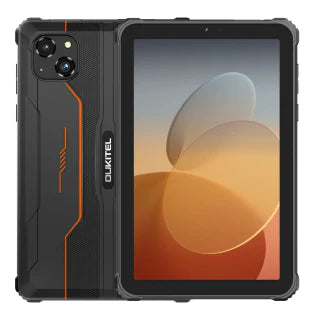
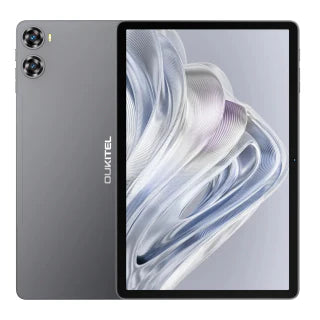
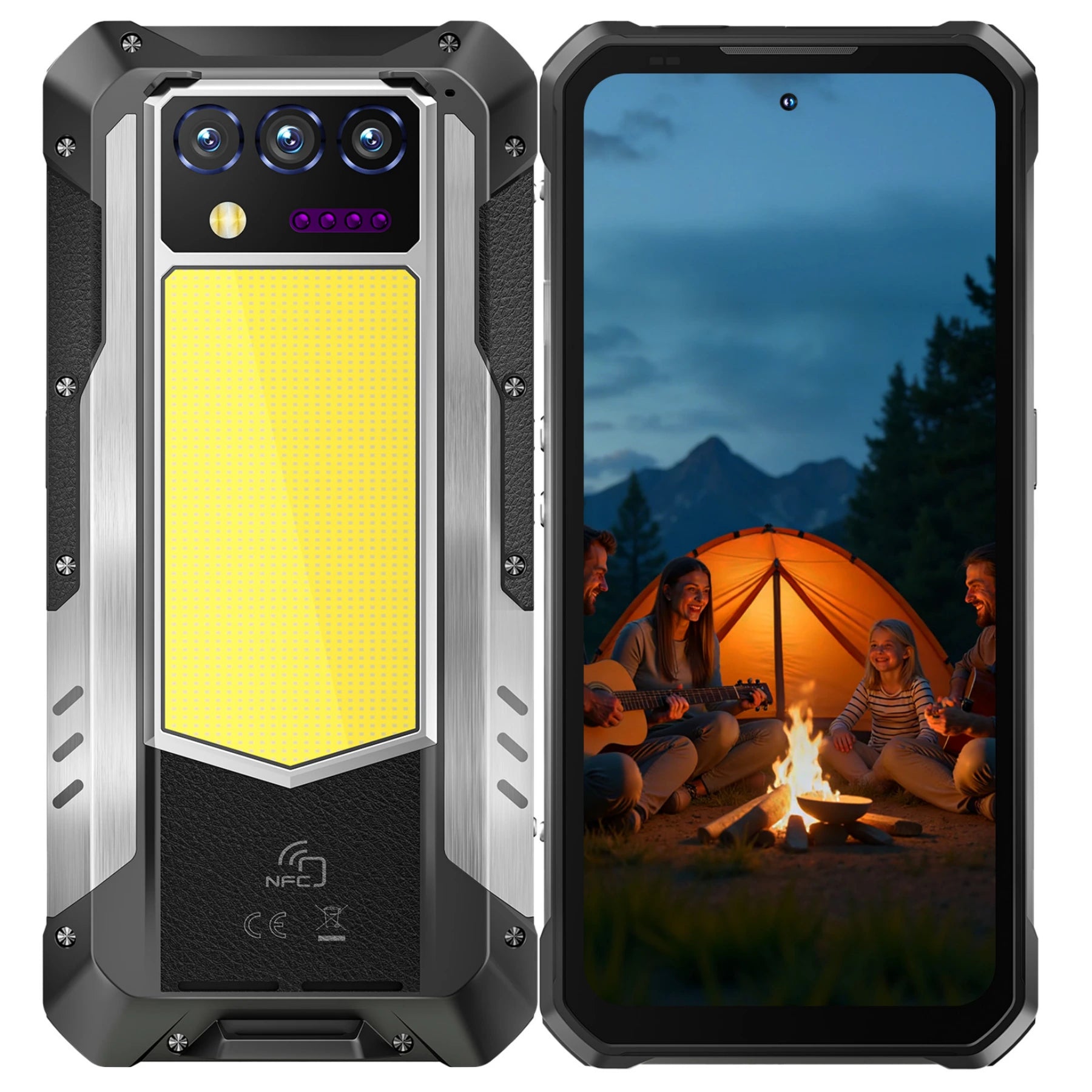
If your field team needs a tablet for long outdoor shifts, navigation, site records, and mobile communication, the OUKITEL rugged tablets collection is a practical place to compare different options. Models such as RT10, RT8, RT7, RT3 Plus, and RT9 let buyers compare screen size, battery capacity, storage, and connectivity based on how demanding the field environment is.
How Rugged Tablets Support Construction Workflows
A rugged tablet for construction and logistics can support daily workflows by bringing drawings, inspection reports, site photos, delivery details, and project updates into one jobsite-ready device. Instead of switching between paper forms, phones, cameras, and office computers, teams can use a rugged tablet to handle more daily work directly on-site.
Viewing Blueprints and CAD Files
A larger rugged tablet screen makes it easier to review blueprints, floor plans, and CAD files on-site. Workers can zoom in on details, check measurements, and compare drawings with the actual jobsite conditions.
This is useful for:
- Reviewing construction drawings in the field
- Checking layout details before installation
- Sharing plans with team members on-site
- Reducing the need to carry printed documents
Filling Forms and Inspection Reports
Rugged tablets help teams complete forms, inspection reports, checklists, and safety records directly on-site. This can reduce paper use and make it easier to send updates back to the office.
For construction teams, this helps with:
- Daily site reports
- Safety inspections
- Equipment checklists
- Work progress updates
- Maintenance records
Capturing Site Photos and Videos
A rugged tablet can also help workers document jobsite conditions with photos and videos. This is useful for tracking progress, recording issues, confirming completed work, or sharing visual updates with managers and clients.
Photos and videos can support clearer communication, especially when teams need to show damage, delays, installation details, or before-and-after work records.
Running Project Management Apps
Many construction teams rely on project management apps to track tasks, schedules, documents, and communication. A rugged tablet gives workers a more practical screen for using these apps in the field, especially when they need to review files, update tasks, or communicate with the office.
For smoother workflow, buyers should check whether the tablet supports the apps their team already uses, including:
- Project management apps
- Drawing and document viewers
- Inspection and reporting tools
- Messaging and communication apps
- Cloud storage and file-sharing platforms
Tips for Buying a Rugged Tablet
Choosing the right rugged tablet starts with your real work environment. A construction tablet does not need every feature, but it should match how your team works, where the tablet will be used, and what tasks it needs to support every day.
Match the Tablet to Your Work Environment
Choose a rugged tablet based on the conditions your team faces most often. For outdoor sites, focus on screen brightness, battery life, GPS, and water resistance. For construction sites, drop protection, dust resistance, and reinforced corners may matter more.
Check Software and App Compatibility
Before buying, make sure the tablet can run the apps your team already uses. This may include project management apps, drawing viewers, reporting tools, cloud storage, messaging apps, or inspection software.
A rugged tablet is only useful if it fits into your current workflow without adding extra steps.
Compare Mounts, Hand Straps, and Accessories
Accessories can make a rugged tablet easier to use on-site. Hand straps, vehicle mounts, shoulder straps, screen protectors, and docking stations can improve comfort, safety, and daily efficiency.
Useful accessories may include:
- Hand straps for mobile use
- Vehicle mounts for field teams
- Protective screen films
- Docking stations for office use
- Shoulder straps for long shifts
Balance Screen Size, Weight, and Portability
A larger screen is better for drawings, forms, and reports, but it can also make the tablet heavier. A smaller tablet is easier to carry, but it may feel limited for blueprints or detailed files.
The best choice is the size your team can use comfortably all day while still getting enough screen space for real jobsite tasks.
Conclusion
A good rugged tablet should match the way your team works on-site. For construction and field work, that usually means strong durability, a readable screen, reliable battery life, stable connectivity, and support for the apps your crew already uses.
The right choice is not always the biggest or most powerful tablet. It is the model your team can carry comfortably, use outdoors, and rely on through a full workday.
FAQ
What features matter most in a rugged tablet for construction?
The most important features are drop resistance, dust and water protection, screen readability, battery life, and app compatibility. Construction teams should also consider hand straps, mounts, GPS, cellular connectivity, and a screen size that works for drawings without making the tablet too heavy to carry all day.
Are rugged tablets worth it for construction work?
Yes, rugged tablets are worth it for construction work if your team often uses digital drawings, reports, photos, or jobsite apps. They are built to handle drops, dust, water exposure, and rough handling better than standard consumer tablets.
What size tablet is best for field work?
The best size depends on the task. Smaller rugged tablets are easier to carry, while larger screens are better for blueprints, maps, forms, and detailed files. For most field teams, the right choice balances screen space with comfortable daily handling.
Can rugged tablets replace laptops on jobsites?
Rugged tablets can replace laptops for many field tasks, such as viewing files, filling forms, taking photos, using apps, and communicating with the office. For heavy CAD work, complex editing, or large data processing, a laptop may still be needed.
Do rugged tablets work with construction management software?
Most rugged tablets can work with construction management software if the operating system, storage, processing power, and connectivity meet the app requirements. Before buying, check compatibility with the tools your team already uses.
How long should a rugged tablet battery last?
A rugged tablet for field work should ideally last a full work shift. Teams that use GPS, cellular data, cameras, or bright screens outdoors may need a larger battery or fast charging support to avoid downtime during long days.



Leave a comment
Your email address will not be published. Required fields are marked *